Give your product an ad worth watching. Add photos and a brief to create AI scenes, voices and subtitles.
One product photo is required before production. 30-60s targets; portrait or landscape.
A completed product ad, from reference to final cut
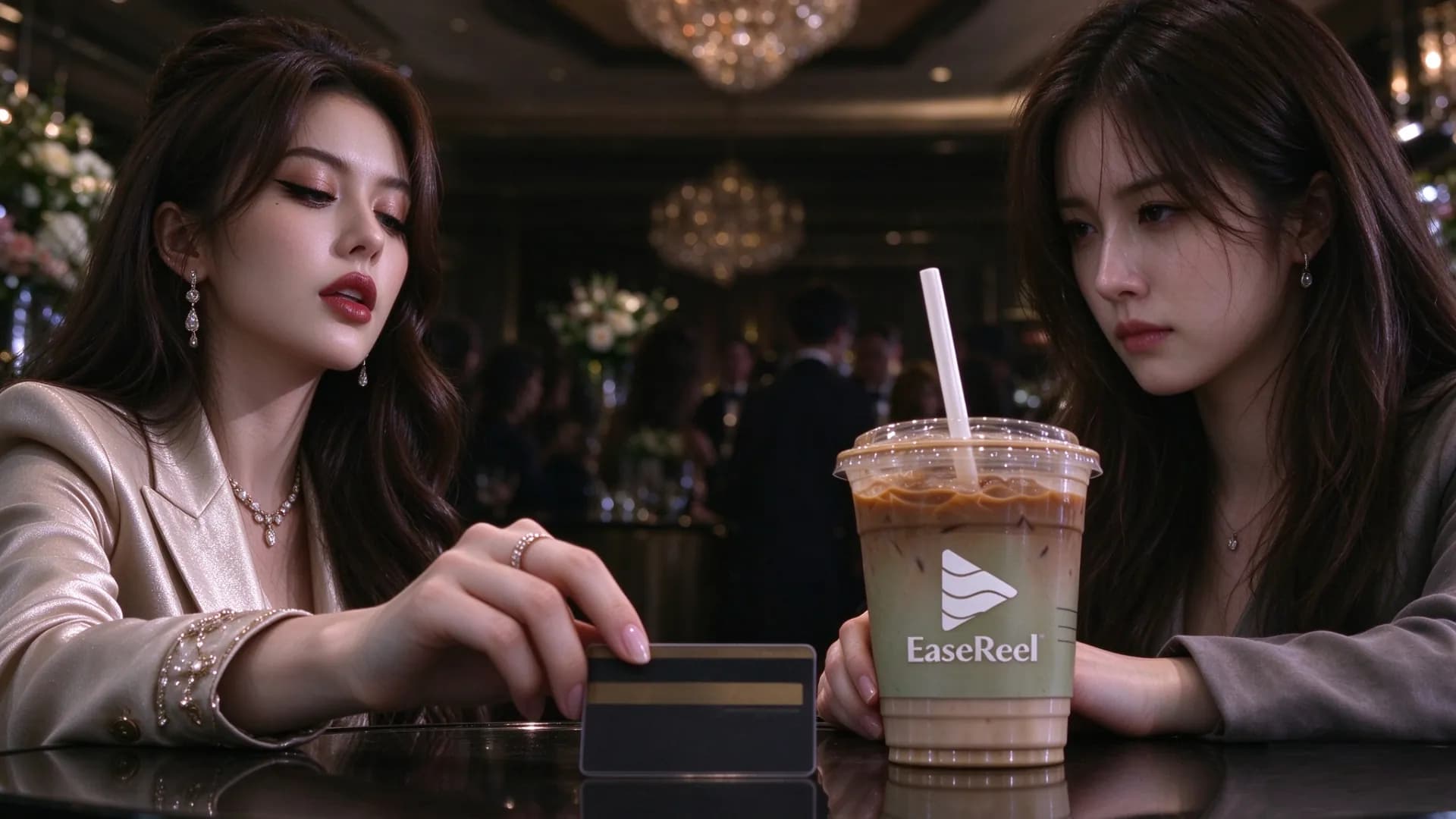
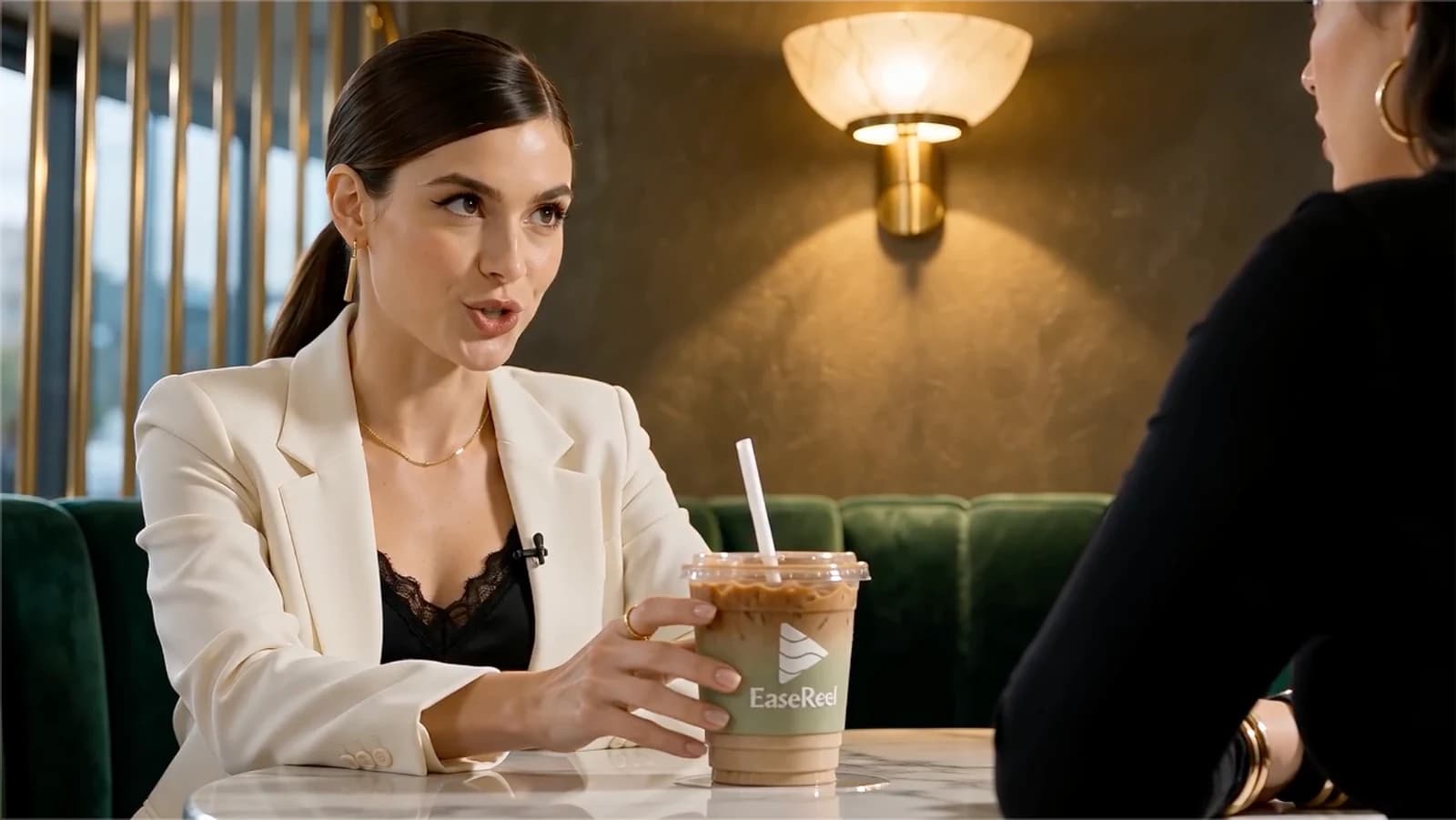
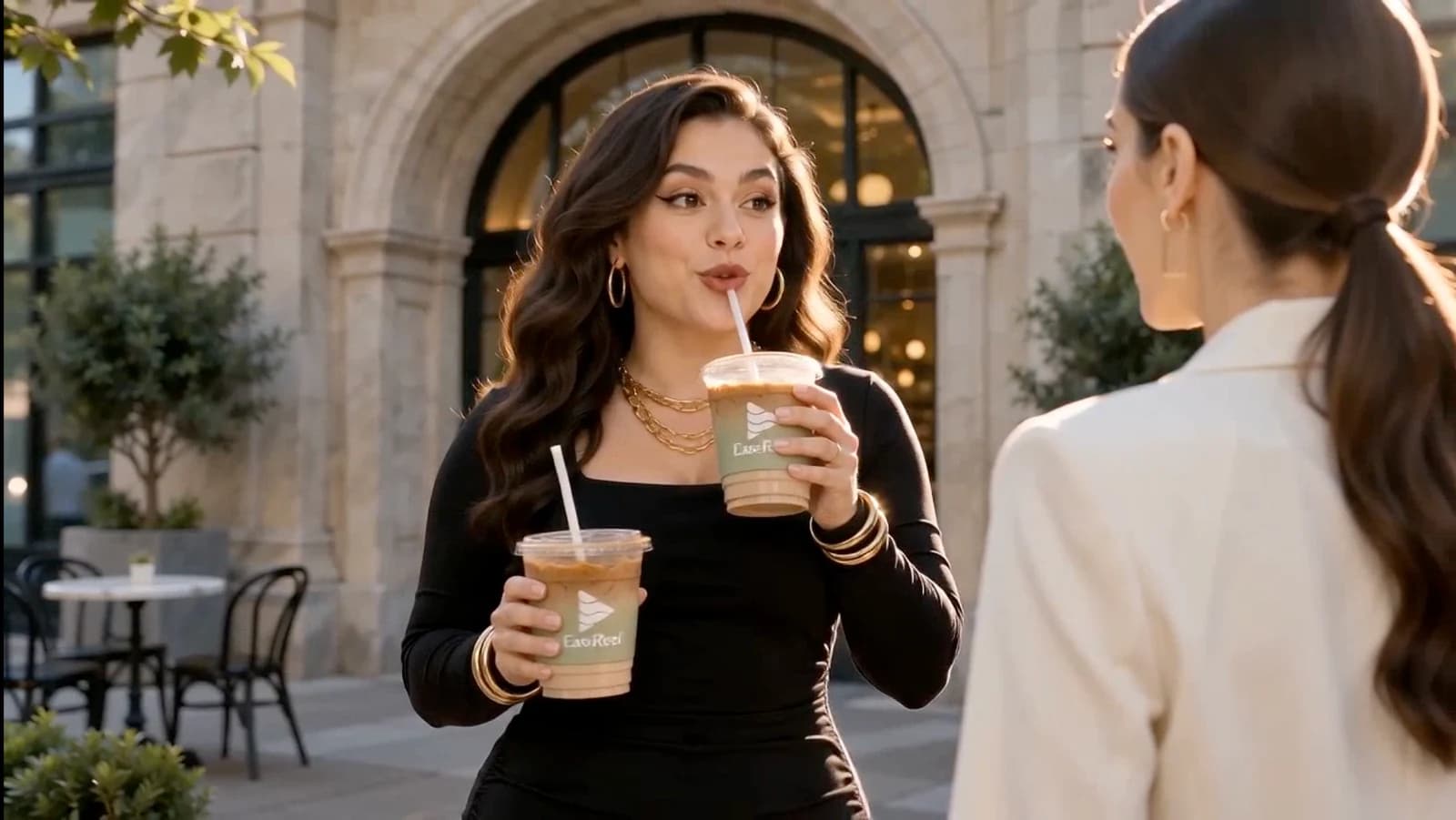
This real project is a 66-second, 8-shot cafe skit with fictional performers. Watch the finished cut, then compare three moments from it. It is a scripted ad, not a customer testimonial.
The completed ad, assembled from eight shots with generated voices and sound. Click to watch the full cut.
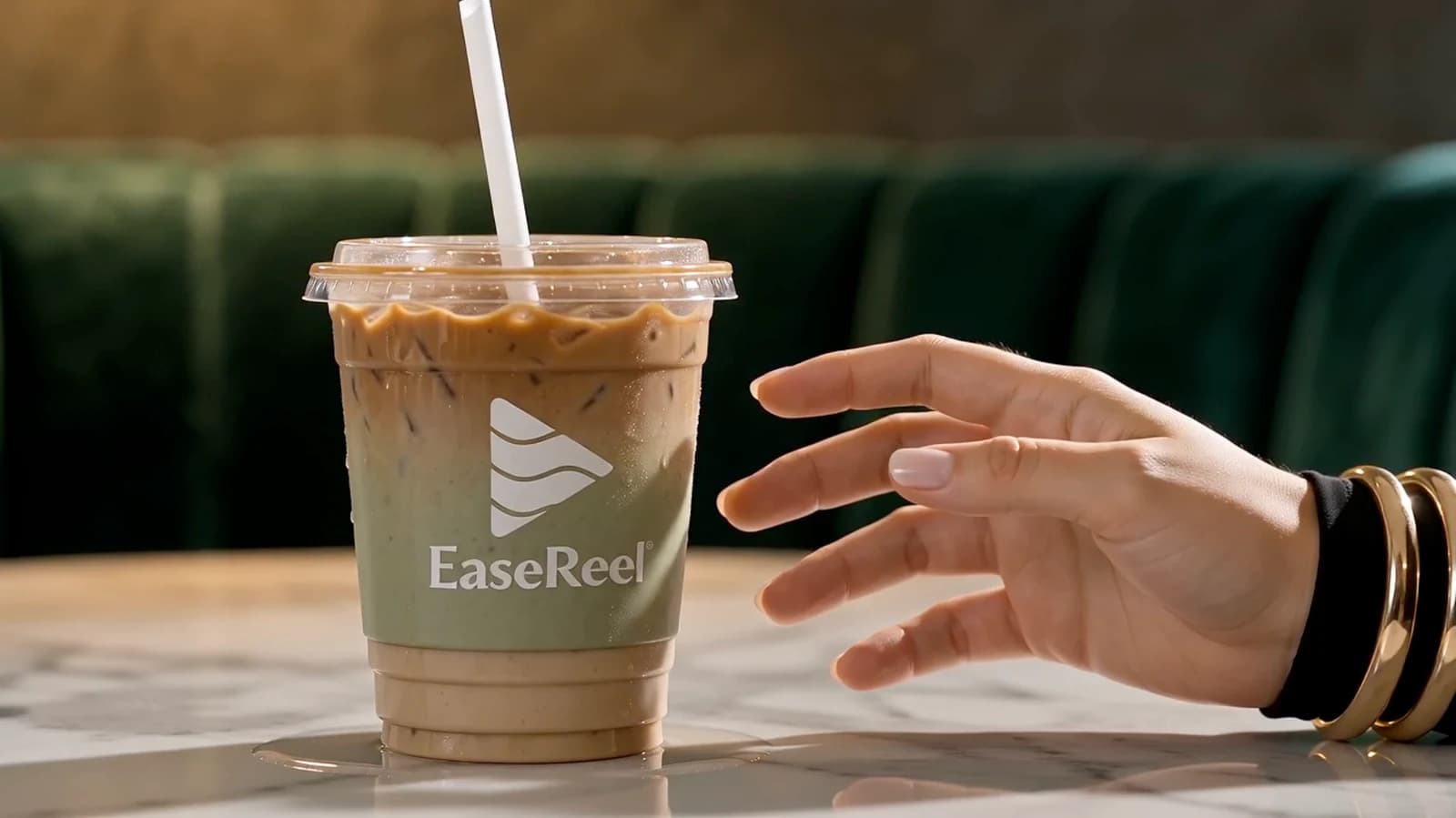
Opening: the cafe conversationProduct moment: the drink stays in the sceneA later moment in the cafe
From product references to a reviewable ad
Your photoGenerated referenceFinished ad
Guide the product appearance
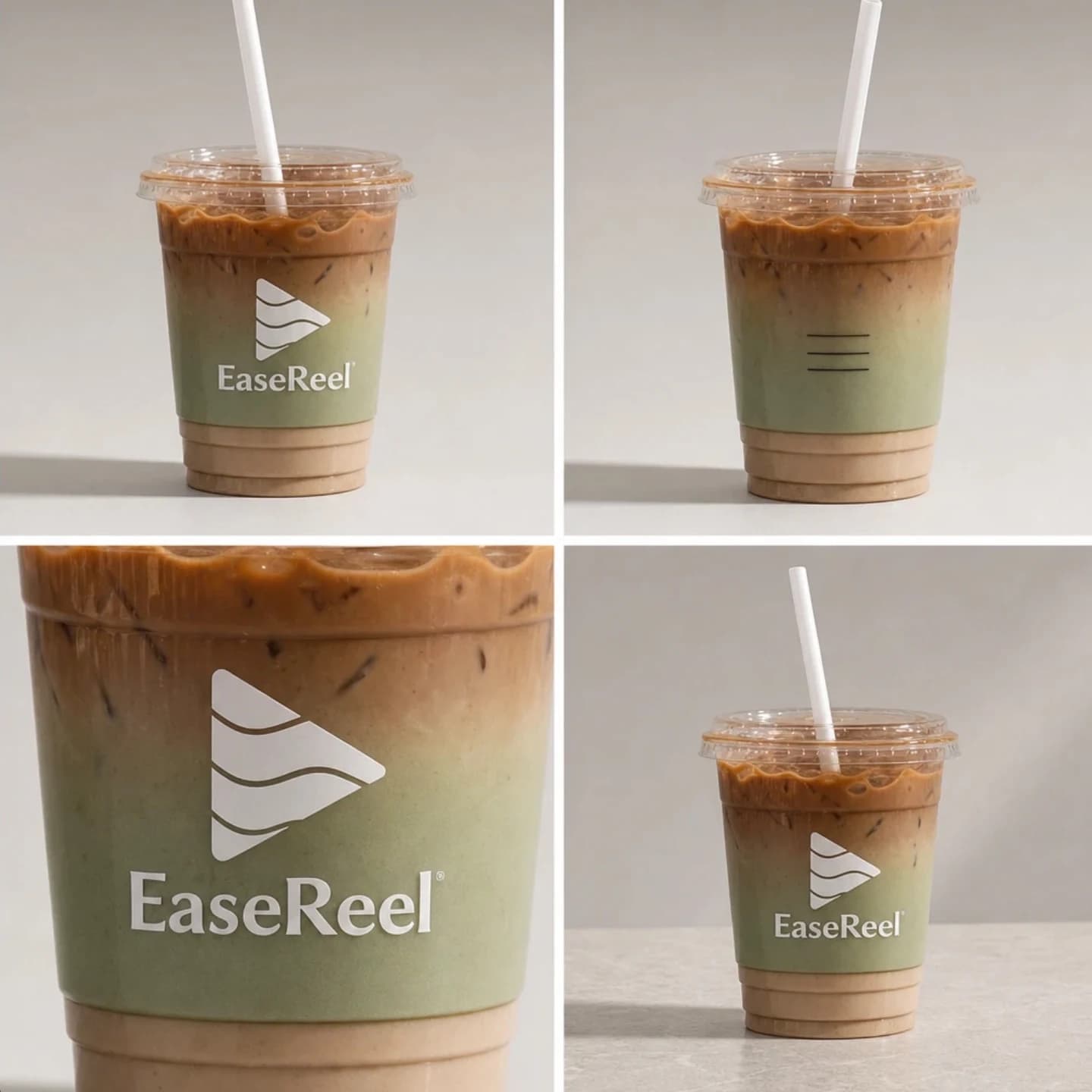
Supply clear product views, then compare the reference with the generated scenes.
This completed EaseReel Milk Tea project started from the supplied product photo, then built a four-view generated reference and kept the drink in the cafe scene. Generated footage can still alter logos, labels and proportions.
Review one ad concept
Inspect the hook, product moment and final action in the script and assembled cut.
Each production creates one asset. Campaign setup, ad variants and performance optimization are separate tasks.
Create TikTok ads with AI
Build one product ad for a short-video placement, then check it against the destination's current requirements.
Start a portrait production with a product brief and up to three reference photos. Describe the opening hook, the product moment and the final action you want the TikTok ad to show. The studio develops a script and generated scenes; review product details, spoken claims and subtitle readability before downloading the asset.
TikTok
9:16 portrait. Check the hook, on-screen text and the current TikTok Ads Manager specifications before publishing.
Instagram Reels
Use the workflow as an AI Instagram ad generator for a 9:16 portrait placement. Preview the file behind the app's controls and keep the final action readable on a phone.
Facebook
Portrait or landscape depending on placement. Choose the frame before production; a second size needs a separate production.
YouTube Shorts
Portrait short. Check current Shorts eligibility, duration and framing before uploading the asset.
One production creates one video asset. EaseReel does not submit, target or optimize an advertising campaign. Check the destination's ad policies, disclosure rules and technical requirements before publication.
Choose the ad maker workflow that fits the brief
These are different ways to describe the same product-video workflow: a brief and references go in, then you review a scripted ad before publishing it.
AI ad maker for product videos
Use a product brief and one to three reference photos to shape the hook, product moment and final action. EaseReel turns that brief into scenes, voices and subtitles that you can review in one project.
AI video ad maker for TikTok and Reels
Choose portrait framing, describe the audience and message, then check the first seconds, product details and on-screen text before downloading a social video ad.
AI UGC video generator for creator-style ads
A fictional performer can carry a conversational product scene, but the result is synthetic media rather than a real customer testimonial. Review the script and disclose generated media when the destination requires it.
AI commercial maker for a product launch
For a launch-style commercial, keep one audience, one benefit and one product moment in the brief. The workflow creates one reviewable video asset; campaign targeting and performance testing happen elsewhere.
How to make an AI video ad
Start with the message, add the references, then inspect the result in the same project.
01
Continue with your brief
Sign in to keep your message, selected photos and frame.
02
Confirm the production
Add any missing product photos. Choose duration and settings, then check the credit estimate.
03
Review and download
Verify the script and generated product details. Watch the cut before downloading or placing an ad.
Not advertising a product? If you only want to turn an idea into a story, use the AI story video generator instead.
Inside an eight-shot product ad
The completed EaseReel Milk Tea project turns a playful cafe conversation into a product moment, using a product reference and an 8-shot storyboard.
Brief
Brand: EaseReel Milk Tea. Zero sucrose, low calorie. A luxury cafe, two wealthy young women, and a black credit card offered for one cup.
Hook
Two friends meet in a private cafe booth. Vivian notices Lena eyeing her milk tea: “You've been staring at my drink for three minutes.”
Product moment
Lena slides a card across the table and asks, “Sell it to me.” The milk tea stays visible as the conversation turns to the product.
Dialogue
Vivian replies, “It's a milk tea, Lena. Not a Birkin.” The joke adds character without making a factual product claim.
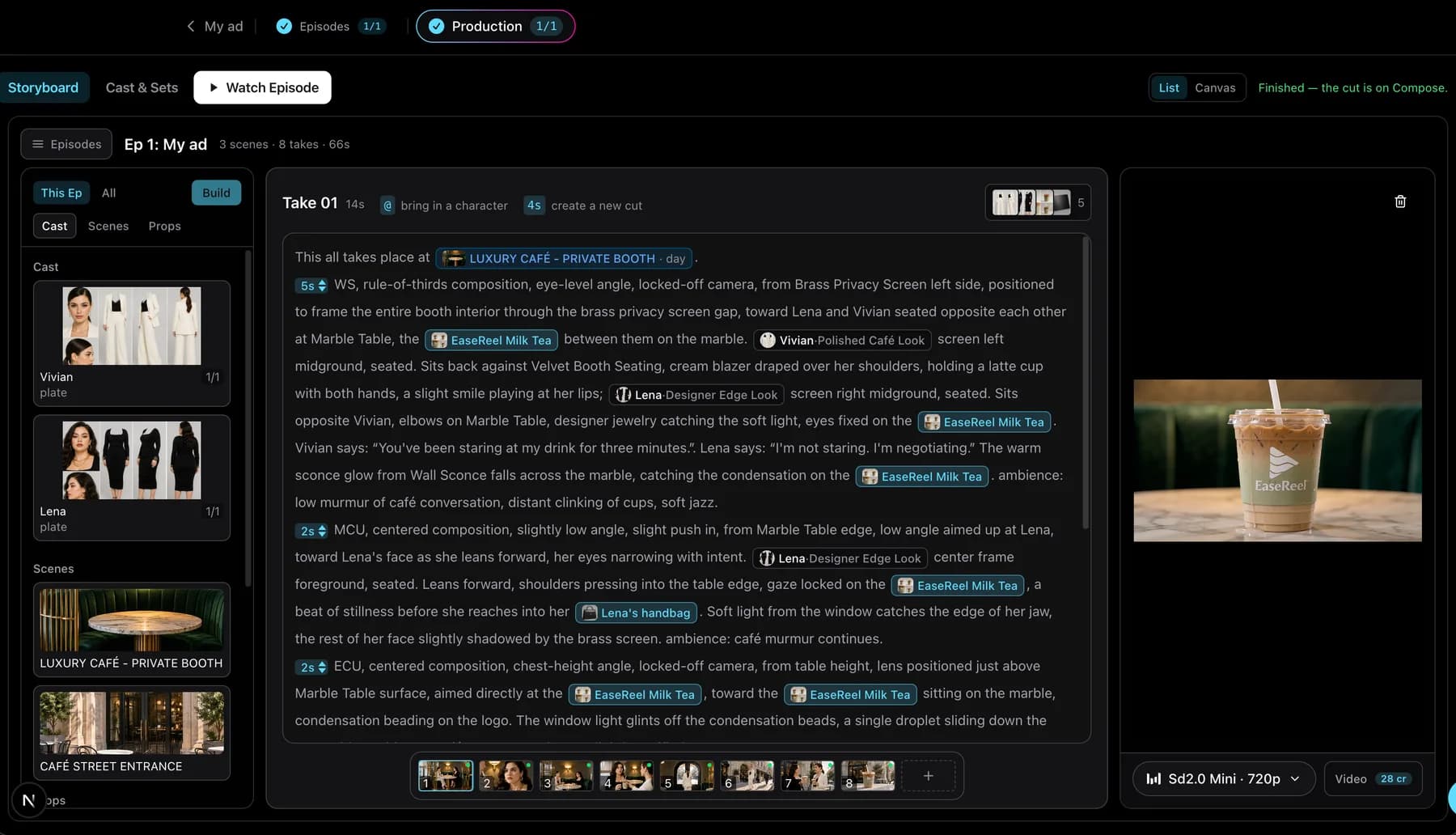
Take 01 in the workspace: cast, scene and product references on the left, shot text and a finished frame on the right.
Choose your format before production
Use the frame that suits the destination. A download is a video asset; uploading it to an ad account and choosing a campaign remain separate steps.
Inputs
A product brief and one to three product reference photos before production. You can start the brief here and add missing photos in the studio. No product-URL import is included.
Duration
30-60 second duration targets, with a 30 second default.
Aspect ratio
9:16 portrait or 16:9 landscape, selected before generation. Multiple sizes require separate productions.
Included workflow
Script, generated scenes, performance, voices, sound, subtitles and an assembled video to review.
Cost
New accounts receive 20 starter credits. Production uses credits; the estimate depends on duration and generation settings.
Build a recognizable fictional creator for continuing social videos.
AI video ad generator questions
Is this a free AI video ad generator, or what does one cost?
New accounts receive 20 starter credits. Production consumes credits, and the starter balance is not a guarantee of a free finished ad. Review the current plan, generation settings and credit estimate before starting. Ads & UGC offers 30-60 second duration targets.
Can I generate many ad variants, or import a product URL?
This page starts one ad brief and accepts up to three product reference photos. It does not provide a product-URL importer, automatic batch variants, campaign management or performance optimization. Create separate projects to explore different concepts.
What should I disclose when publishing AI-generated UGC ads?
Check the destination platform's current disclosure rules for synthetic media before publishing. Do not present generated people as real customers or authentic testimonial speakers. Keep the ad message and claims accurate and reviewable.
Do I need ad-copy or video-editing experience?
No ad-copy or video-editing experience is required. Describe the product, the audience, the benefit to show and the final action, and the workflow develops the script and generated scenes. Review and edit the script and product appearance before downloading.
What if the product looks wrong in the generated footage?
Generated footage can alter shape, packaging, logos and text. Use clear product reference photos and review the generated product carefully before downloading. If details drift, regenerate or edit the shot, or add a more specific reference image and run the shot again.
Can I supply photos of my own product, or do I need a product URL?
Yes, bring up to three clear product photos. One product photo is required before production. No product-URL importer is included — you write a brief and attach photos here or in the studio.
Give your product a story worth watching
Start with one audience, one benefit and one clear product moment.