From a story brief to an 89-second short film
See what the author can check at each stage, from the ordered beats in the screenplay to continuity, dialogue and the unresolved final shot.
Read the case studySTORY & FILM
Turn your story outline into a short film in the Story & Film workspace, with generated scenes, voices and subtitles.
Review the screenplay, storyboard and assembled cut in one project. The video and frames below come from the real 89-second story used on this page.
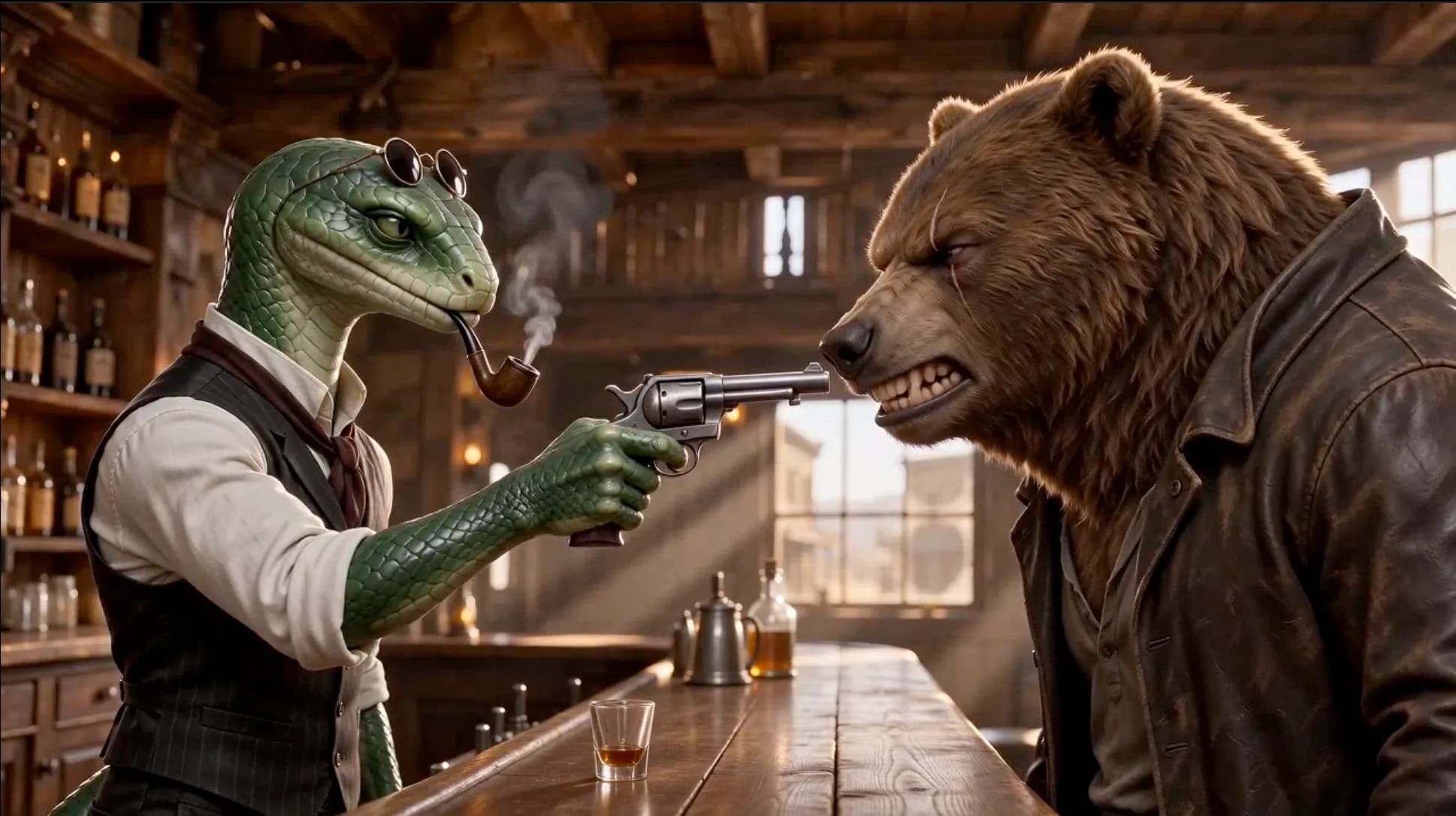
Follow the brief, screenplay, references and storyboard behind the finished 89-second cut.
See what the author can check at each stage, from the ordered beats in the screenplay to continuity, dialogue and the unresolved final shot.
Read the case studyExample briefs, not finished-video results. Adapt the characters, events and ending for your own story.
Mystery / Example brief
A lighthouse keeper finds a letter washed up at dawn. The handwriting is his own, dated tomorrow. He follows its instruction to light the lamp early. End when a missing boat appears in the fog.
Four visible events and one reveal give the film a clear stopping point.
Romance / Example brief
Two strangers keep leaving notes in the same library book. One asks to meet on the last train. Show them searching the carriage, recognizing the book, and sitting together. End on their first conversation.
Name the repeated object and the final encounter so the emotional turn is visible.
Fantasy / Example brief
A child discovers a tiny door behind a bookshelf. Inside is a miniature version of the bedroom with a sleeping dragon. The child leaves a blanket and closes the door. End on a soft glow under the door.
A compact setting and a small cast keep a short fantasy story focused.
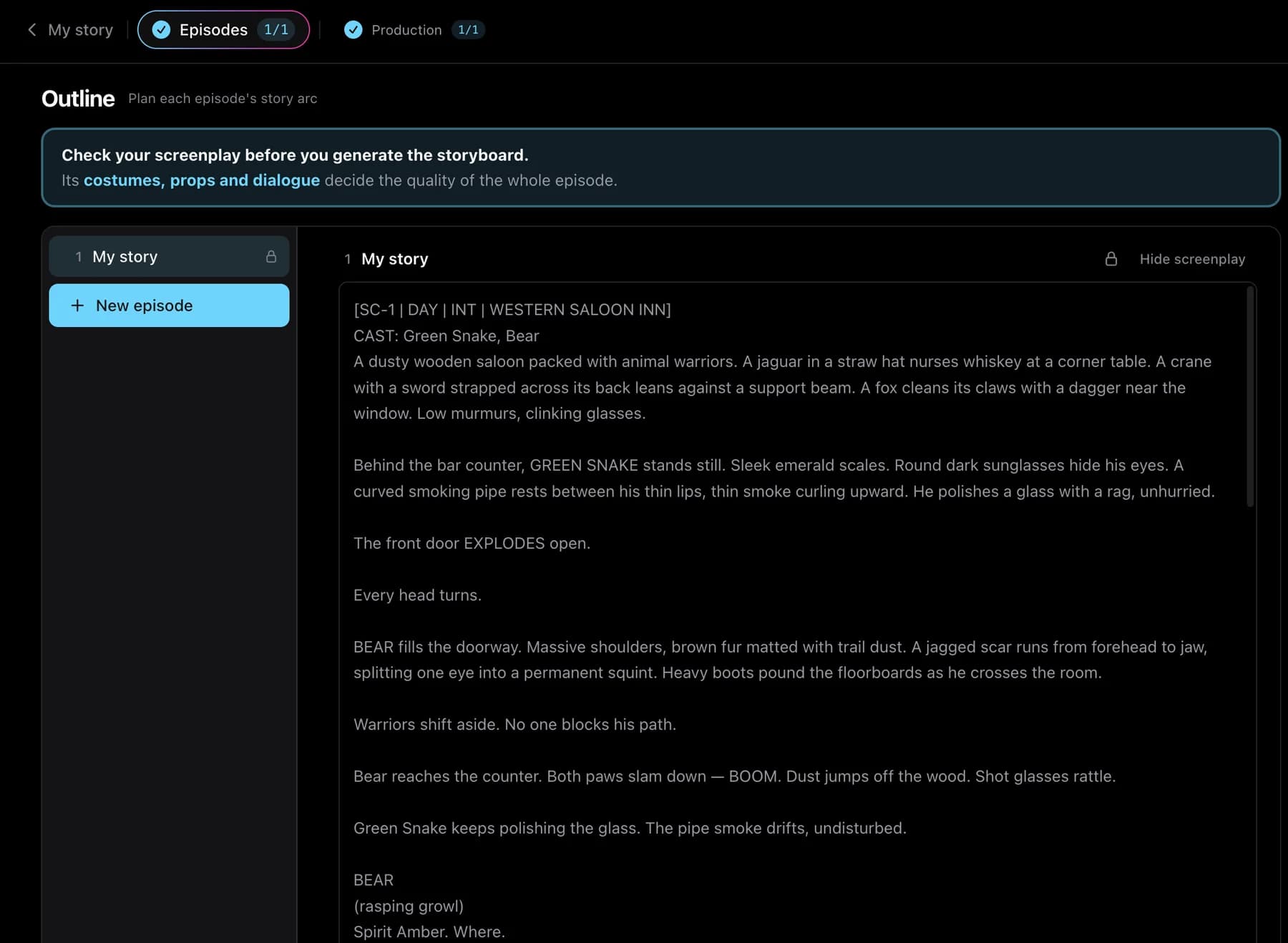
Read the screenplay beside your starting point. Check the event order, important dialogue and final moment, then inspect how the storyboard turns them into shots.
Character, location and prop references guide later shots. Approve the designs you want to use, then check the generated footage for changes in faces, clothing and recurring objects.
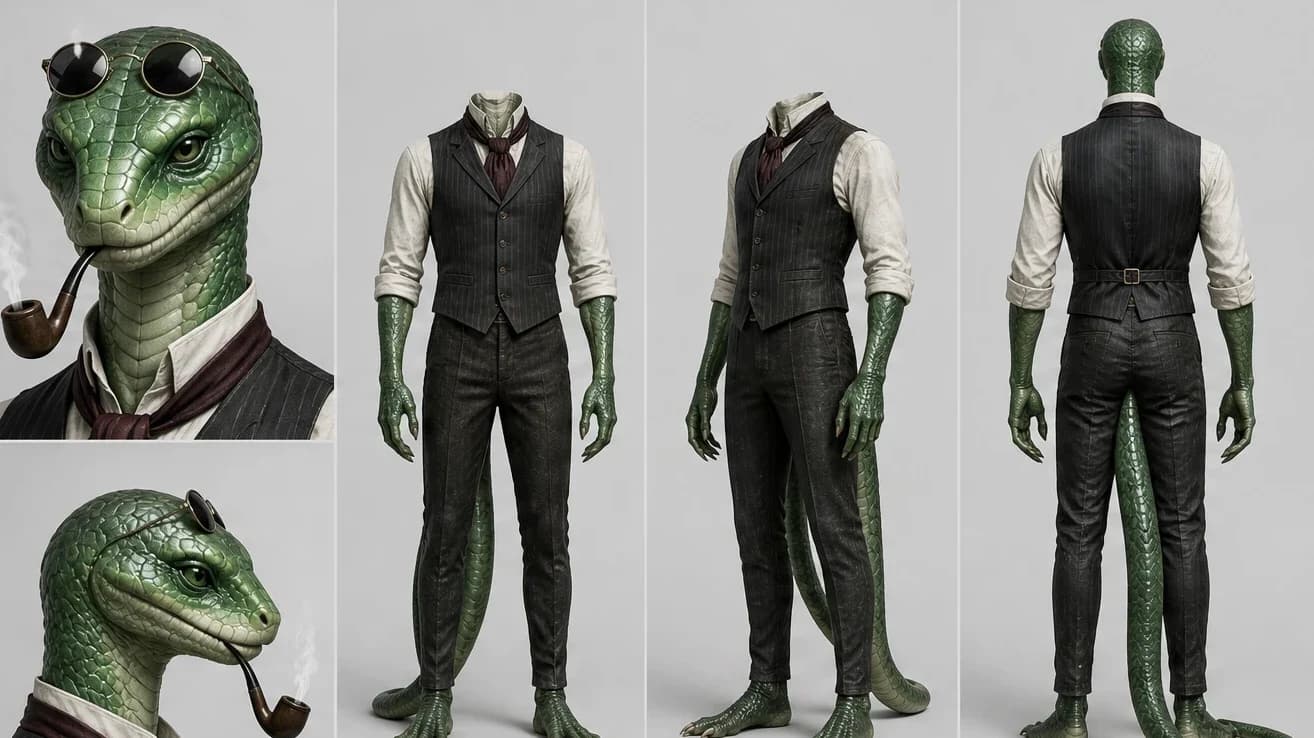
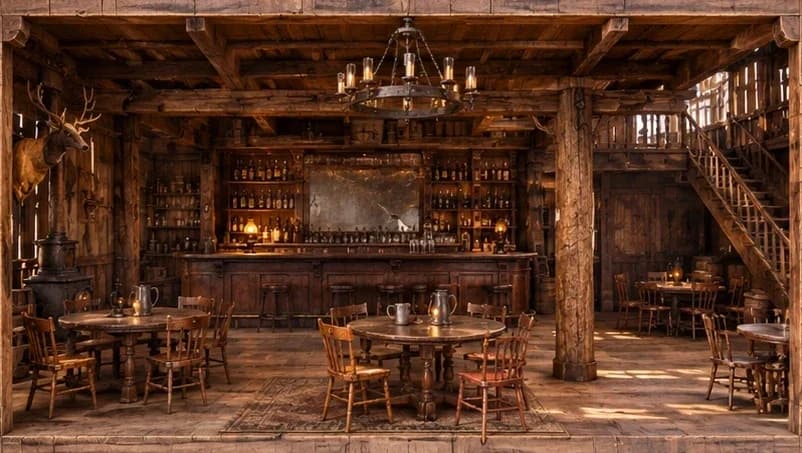
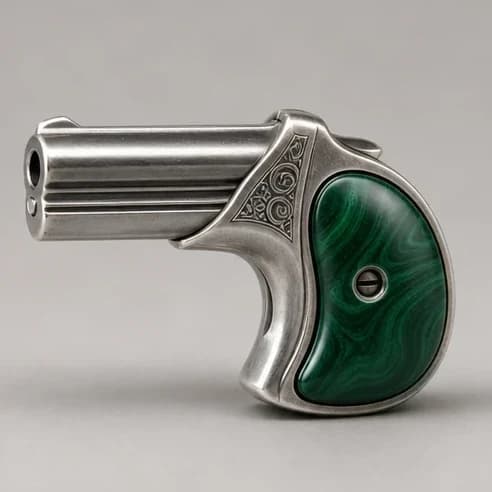
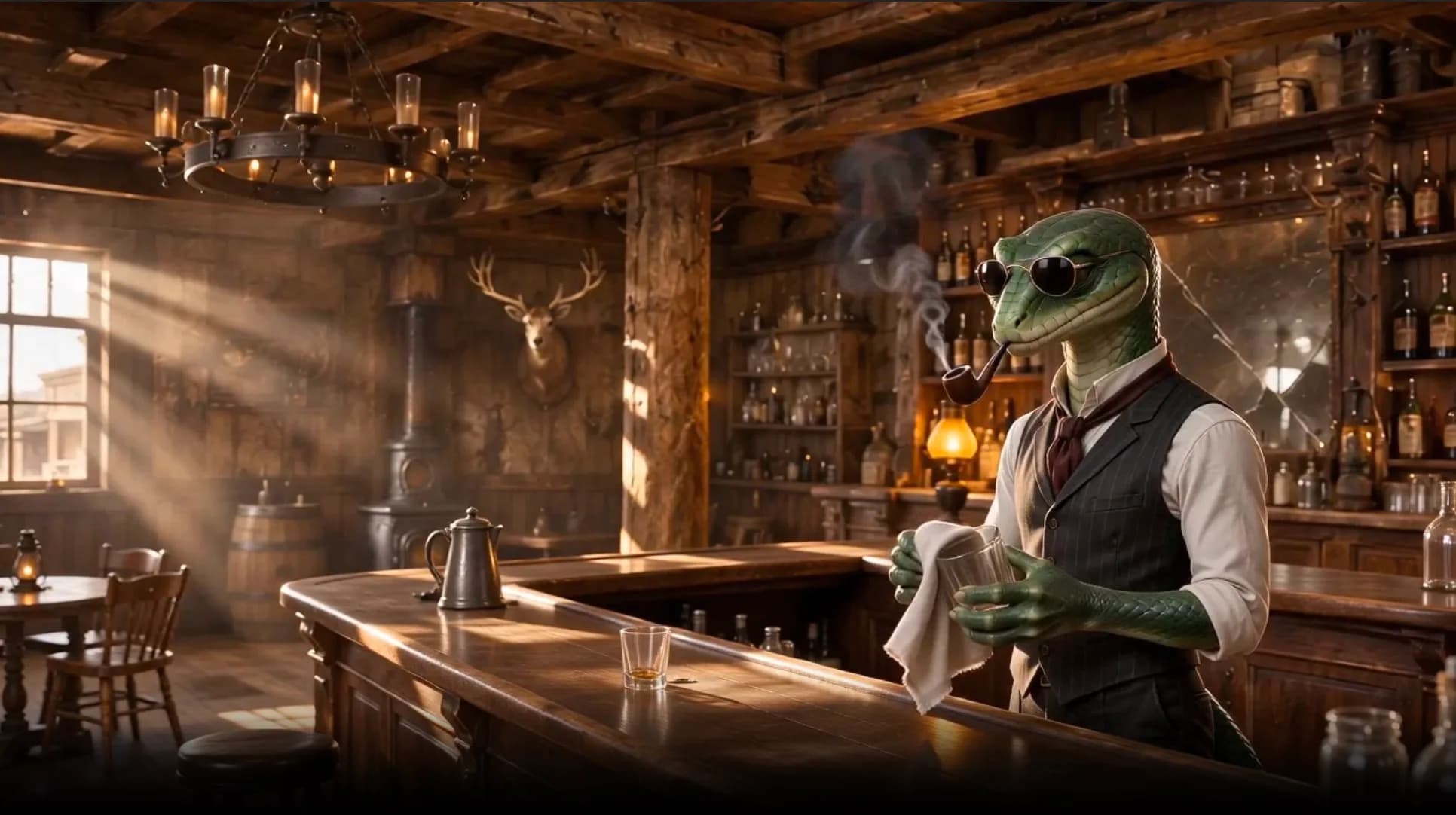
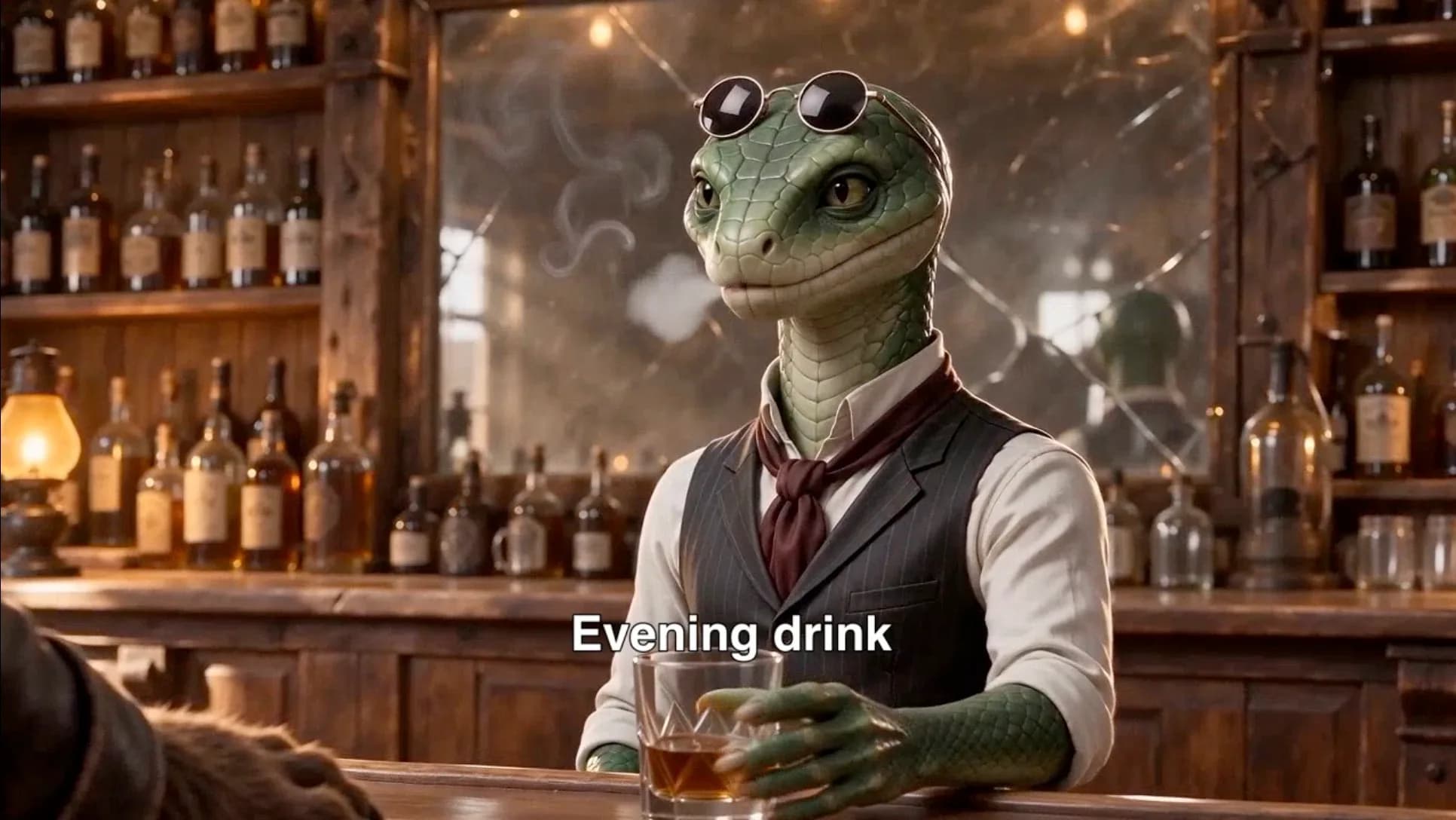
Project references, then three finished shots of Green Snake.
Review the script and individual storyboard shots before finishing the film. Refine an action or line where needed, then watch the assembled cut for pacing, sound and continuity.
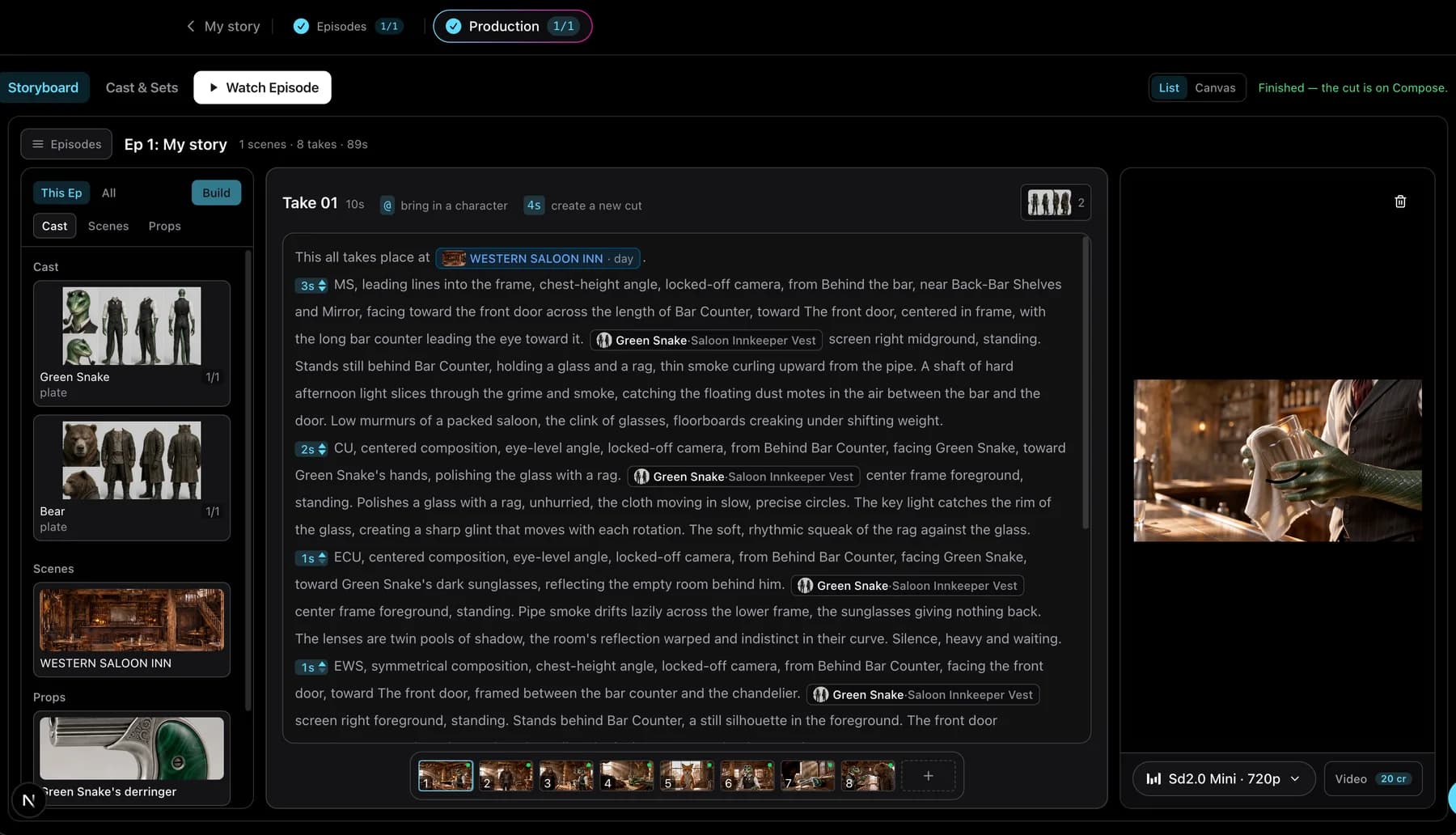
Start here with your story outline, then complete the setup in the studio. Opening the studio does not start a paid render.
Share your characters, events and ending. Sign in to keep the brief and selected frame.
Choose language, length, frame and model; review the available credit information.
The workflow pauses before video generation so you can check the script and storyboard. Stop the workflow in the workspace to control individual stages.
Watch the assembled cut, revise where needed and download.
Making a product-led video instead? The UGC ad generator uses the same brief-to-storyboard flow for a scripted ad.
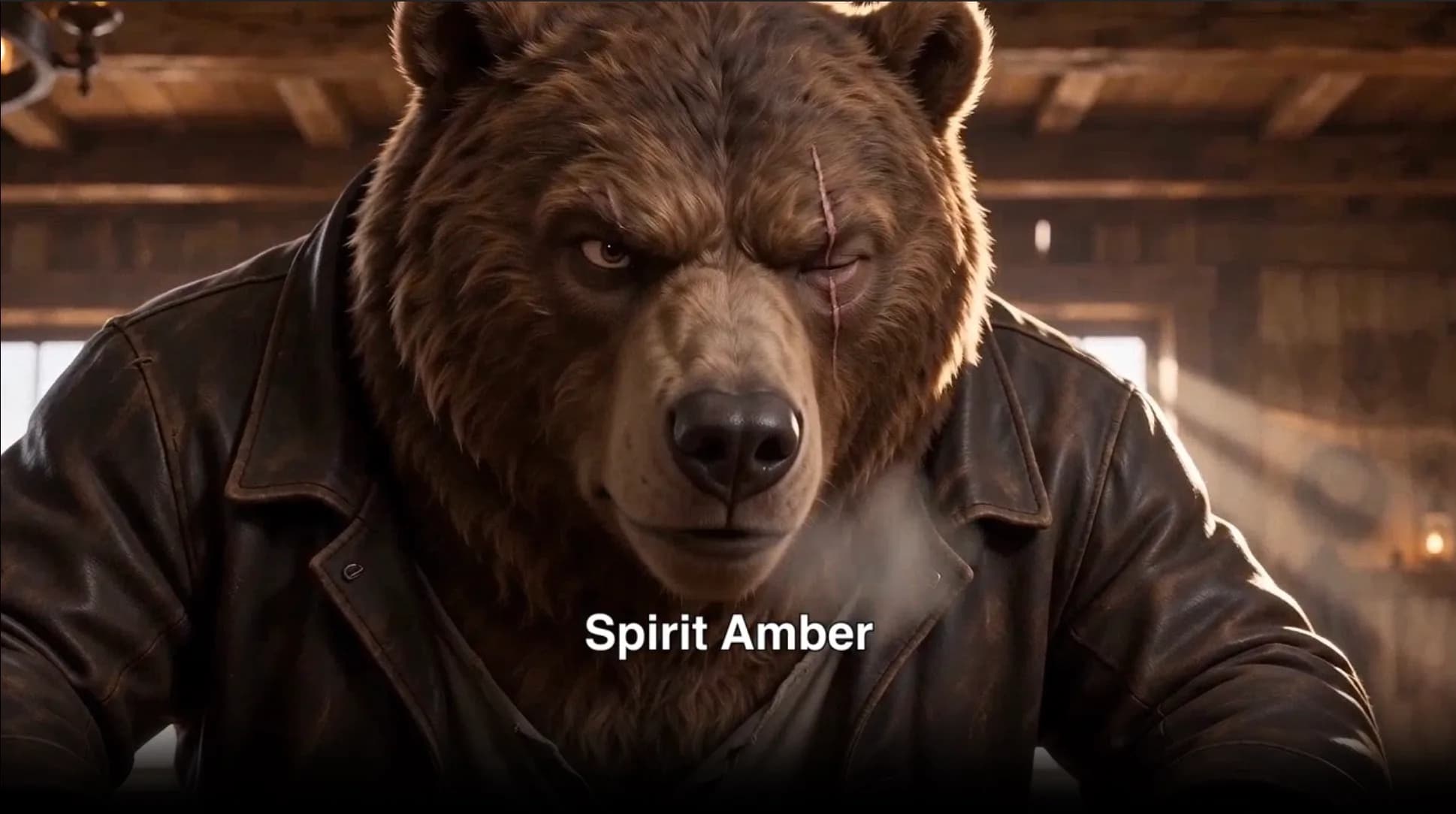
The brief, four visual beats and the frame the finished film ends on. The cut stops before the threat is resolved.
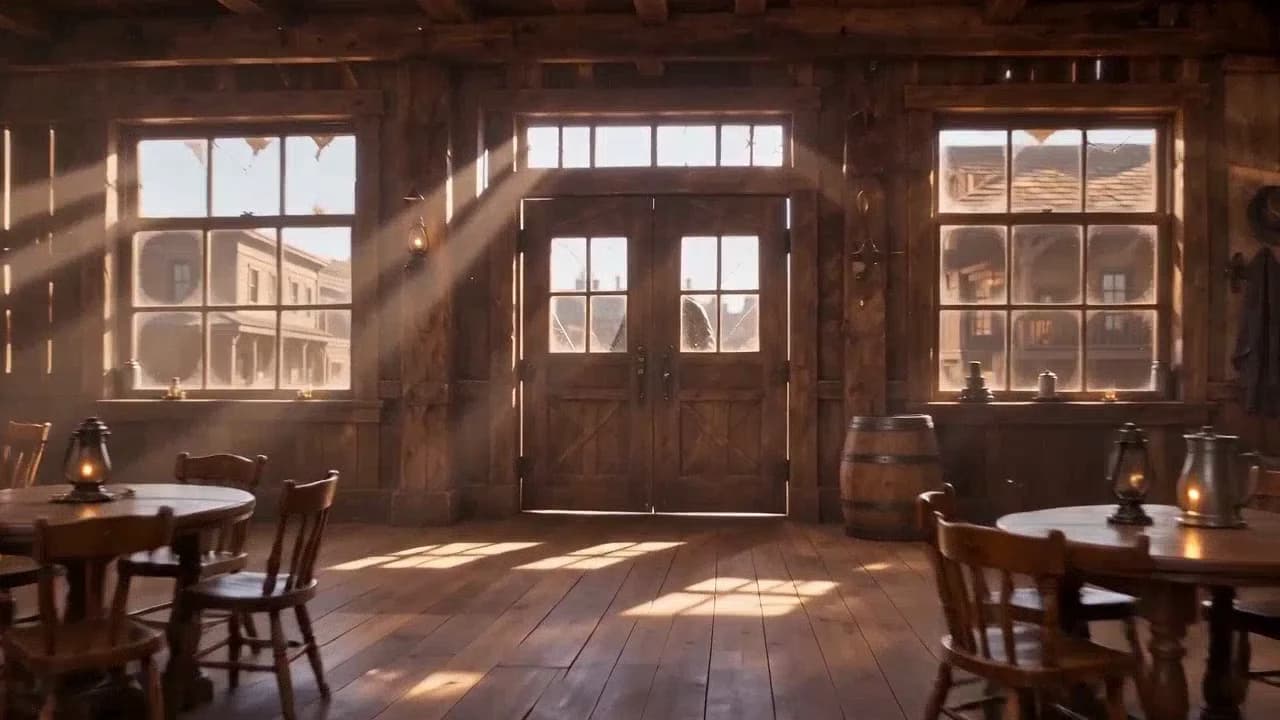
A western inn run by a green snake in sunglasses, a pipe between his teeth. Animal warriors fill the room. A scarred bear bursts in and demands the Spirit Amber.
Green Snake keeps polishing a glass behind the counter while the room watches the doorway.
Bear slams both palms on the bar: “Spirit Amber. Where.” Green Snake answers with a story he immediately admits is a lie.
A hidden derringer rises under the counter. The film cuts to the empty saloon after the door opens a second time, leaving the threat unresolved.
New accounts receive 20 starter credits. Production uses credits, and starter credits may not cover a finished video. Costs depend on the model and generated duration. See current pricing.
Build a season with an outline, recurring cast and connected episodes.
Choose a fictional creator, pet, historical figure or POV format.
Turn your story outline into a self-contained film. Describe the characters, events and ending you want to see, then review the screenplay and storyboard before production.
Yes. Describe who is involved, where the story happens, the sequence of events and the final moment. EaseReel develops a shootable script from that outline. Include the ending you want rather than asking the system to guess where the film should stop.
Choose a 60-150 second target or let the story determine its length, the default setting. The latter is a duration mode, not free production. The final length follows the generated shots.
Character references give scenes a shared visual starting point. They help guide faces, costumes and other recurring details, but do not guarantee perfect matching. Review the designs and every rendered shot before sharing the film.
Yes. The automatic workflow pauses before video generation so you can review the script and storyboard. You can also stop the workflow in the workspace to control individual stages.
The screenplay is instructed to respect your specified events and ending, including an unresolved ending. Review the script and finished film to check that they match your intent.
New accounts receive 20 starter credits. Production uses credits, and starter credits may not cover a finished video. Costs depend on the model and generated duration.
Yes. Story & Film lets you add an episode with its own events and ending. For a season planned together with connected plots and a recurring cast, use the AI drama generator. That is a different starting task from making one self-contained story video.
Bring the events and ending you want the film to follow.