AI Vlog Generator
AI Vlog Generator
Choose who leads the video: a fictional creator, your pet or a historical figure. Prefer the viewer's viewpoint? Start a POV short instead.
Sign in to write the brief and confirm your format in the studio. 20 starter credits; storyboard runs and rendered assets use credits.
Compare the formats and inputs
Choose a fictional creator for a presenter-led vlog, an animal lead for a pet-height adventure, a historical figure for a reenactment, or a POV shortwhen the camera is the viewer's eyes.
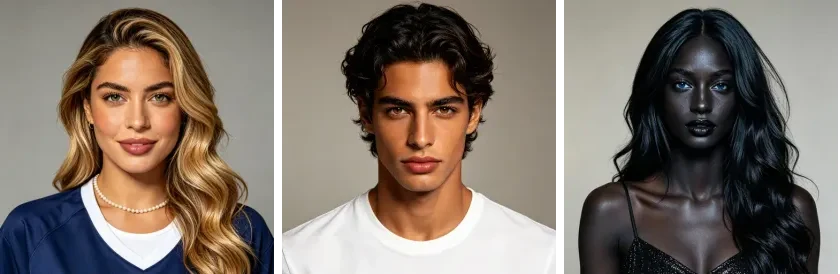
AI influencer generator
A fictional creator speaking to the camera about a day or activity.
You bring: A name and a paragraph, or nothing at all if you take one off the shelf.

Animal vlog generator
An animal-led adventure, using a pet reference or a ready-made creature.
You bring: One clear photo of your pet and a name, or nothing if you cast one of the five.
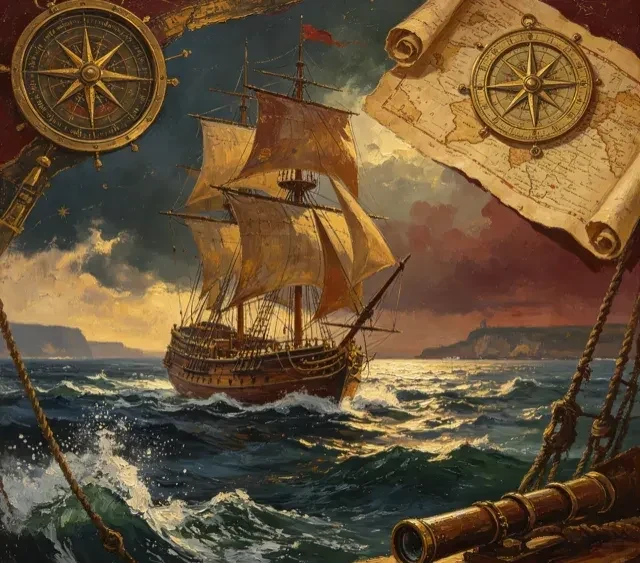
History vlog generator
A fictional reenactment with a historical figure on camera. Verify events and attributed words.
You bring: A name, and one line about the day you want out of their life.
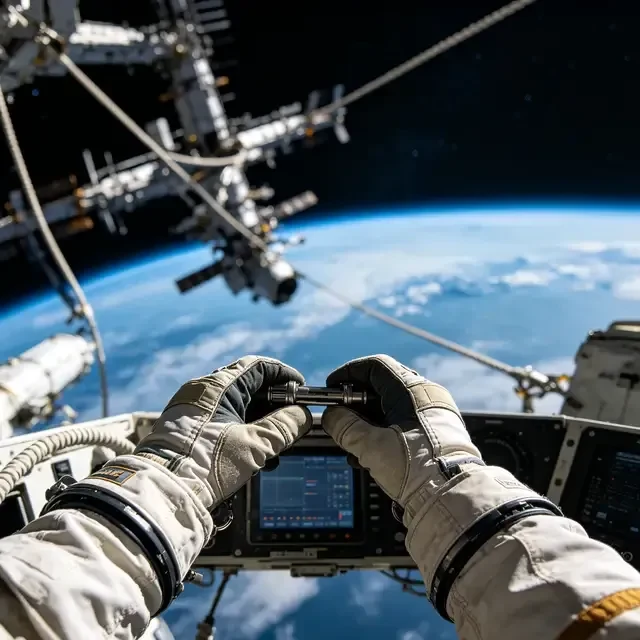
POV video generator
A first-person experience using ambient sound and short captions, without a speaking presenter. Incidental people can enter the frame; the camera operator's hands appear when the action calls for them. POV projects are individual videos, not recurring character series.
You bring: One sentence about where you wake up. Nine worlds are already written.
What to put in your vlog brief
Choose the presenter and the moment
Name who we follow, where they are and what they want to do. For example: a fictional creator visits a rainy street market to find ingredients for dinner. A specific activity gives each scene something to show.
Give the video a beginning and an ending
Describe two or three events in order and how the moment ends. The market visit might start with an empty basket, follow the search for one ingredient, and finish with the creator ready to cook. This is an example brief, not a claim about a generated result.
Add the details that need to stay recognizable
Describe the lead, outfit, setting and tone. Where supported, add an optional visual reference. References guide the generated appearance, but faces, clothing and small details can still vary, so inspect the finished shots.
What each one costs, side by side
Compare default-setting estimates, not fixed quotes. Duration, engine, assets and retries can change the total.
| Format | Episode length | Credits an episode | A month of Standard |
|---|---|---|---|
| AI influencer generator | 60–150s | 61–151 | 7 episodes |
| Animal vlog generator | 60–150s | 61–151 | 7 episodes |
| History vlog generator | 75–120s | 76–121 | 7 episodes |
| POV video generator | 30–60s | 31–61 | 19 episodes |
Estimates use each format's default engine and resolution, before extra assets or retries. Planning and screenplay generation are free in these formats; storyboard runs and rendered assets use credits. Check the studio estimate.
From a vlog idea to a video you can review
1. Choose the format and review the script
Start with your idea above, then choose the lead type and available production settings in the studio. Review the generated script for the events, tone and ending you intended. For historical scenes, verify facts and distinguish invented dialogue from documented events.
2. Produce the shots and check the assembled cut
Check the credit estimate before rendering. Inspect the generated references and shots, then watch the assembled video for appearance, action, sound and subtitle readability. Speaking formats use generated voices; POV uses ambient sound and captions. Download the cut once you are satisfied.
3. Continue a character only when you need another video
A single vlog can stand on its own. For another character-led episode, reuse the existing cast and reference assets and supply a new idea. Review continuity again rather than assuming every detail will match. POV stays a separate, one-off video format.
An AI vlog for TikTok, Instagram Reels and YouTube Shorts
Choose a vertical 9:16 production for a mobile feed, or 16:9 where the format calls for it. Before posting, preview the exact file in each destination and check its current duration, caption and disclosure requirements.
TikTok
Check the opening second, on-screen text and current posting requirements before publishing.
Instagram Reels
Preview subtitles and the final action behind the app's controls, where the caption may cover the frame.
YouTube Shorts
Check current Shorts eligibility, final duration and framing before uploading the asset.
AI vlog generator vs AI vlog editor
An AI vlog generator
Starts from a written idea. You describe the lead, the setting, the events and the ending; the workflow develops a script, generates the shots and assembles the video. This page is the generator path.
An AI vlog editor
Starts from existing footage. It trims, cuts, captions or restyles clips you already recorded. If that is the job, this generator is not a replacement for an editing tool.
You can still bring a written brief and reference images here when no footage exists. The result is generated footage rather than an edit of a real recording, so review faces, action, sound and subtitles before publishing.
AI vlog questions
Do I have to film anything, or show my face?
You do not need to film yourself or record your voice. Human and animal formats accept optional visual references; POV starts from text. New accounts receive 20 starter credits. Planning and screenplay generation are free in these social formats, while storyboard runs and rendered assets use credits.
What stops the face changing between episodes?
Character references provide a shared visual input for later shots and episodes. They guide faces, clothes and other recurring details, but the generated result can still vary. Review each shot for continuity before sharing.
How many episodes a month does a subscription actually buy?
It depends on the format, because video is billed by the second. On Standard's 1,200 credits a month, 7 of the ai influencer, 7 of the animal vlog, 7 of the history vlog, 19 of the pov video. Those are full-length episodes; shorter ones go further.
Can I upload my own pet or reference photos?
Yes. Animal vlog accepts a clear pet photo to guide the creature reference sheet; human and historical formats accept optional reference photos for the lead. Check markings, proportions and movement in the generated result. A reference does not guarantee an exact likeness.
Do I need to write a full script, or just an idea?
Start with a brief description — the character, the situation and what happens — rather than a full script. The workflow develops the screenplay, storyboard and generated shots from that. Review and edit the script and keyframes before downloading.
Can the same creator come back for more episodes?
Yes. AI influencer, animal vlog and history vlog formats reuse the character's reference sheet across episodes. Describe each new episode separately and review each generated cut for continuity before sharing.