Pet adventures
Animal Vlog Generator
Give your pet an adventure. Add a photo and describe what happens, or choose an animal in the studio.
60-150s targets. See credits and plans
Give your pet a story of its own
A small goal, an unexpected obstacle and a payoff. See how an animal adventure becomes generated scenes, then shape one around your own pet.
Generated animal scenes or photo lip-sync?
A photo lip-sync tool animates an existing photograph to audio. Here, your photo guides an animal reference for newly generated story scenes, with its own setting and action.
It can be your own dog or cat
The photo guides the animal design. Give it a name and an adventure; review the reference sheet before producing scenes.
- 1
One photo and a name
Clear, bright, front-on, whole face in frame. The name is what everybody calls them in the episodes, so use the one you actually use.
- 2
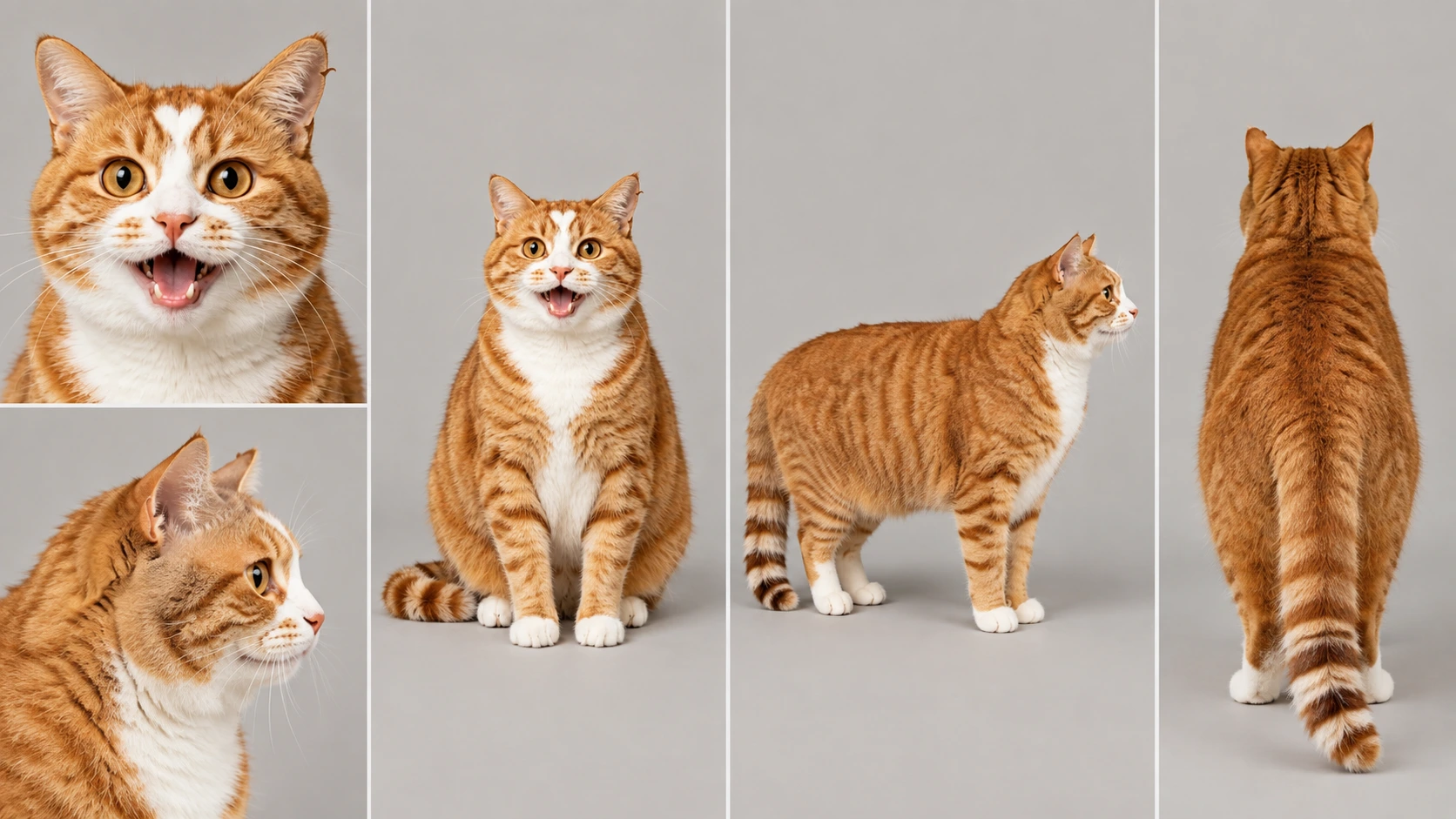
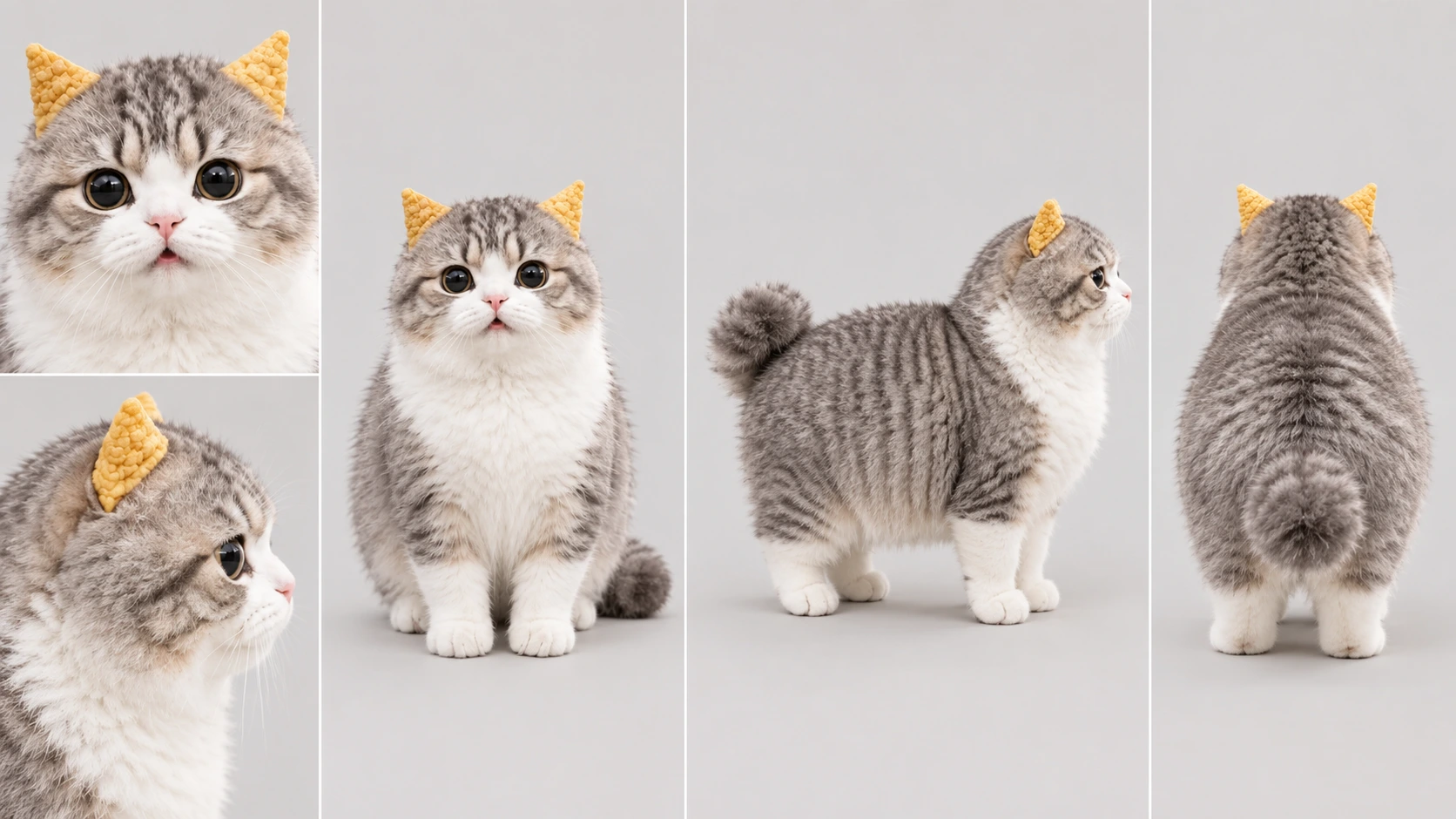
A reference sheet gets drawn
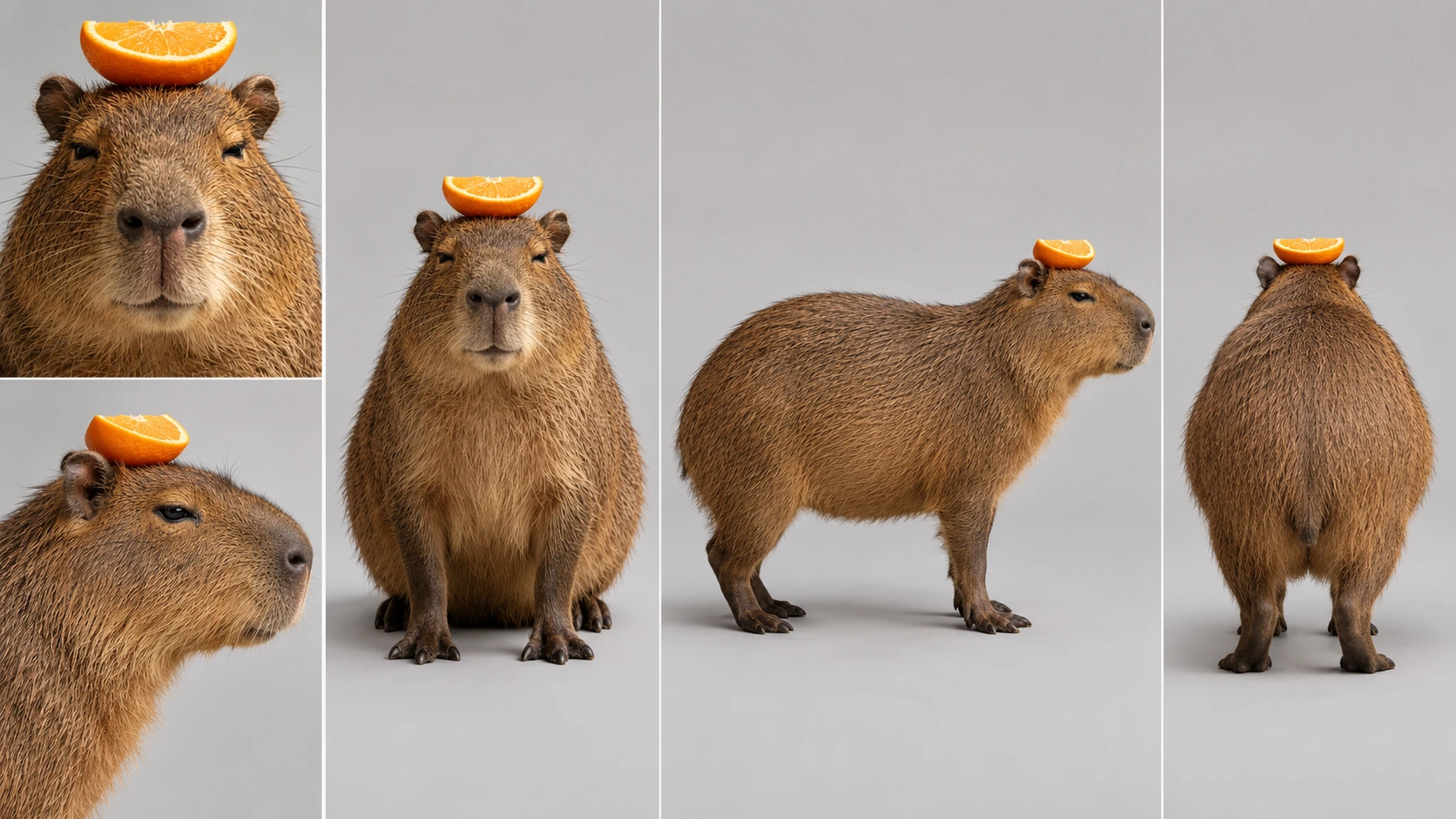
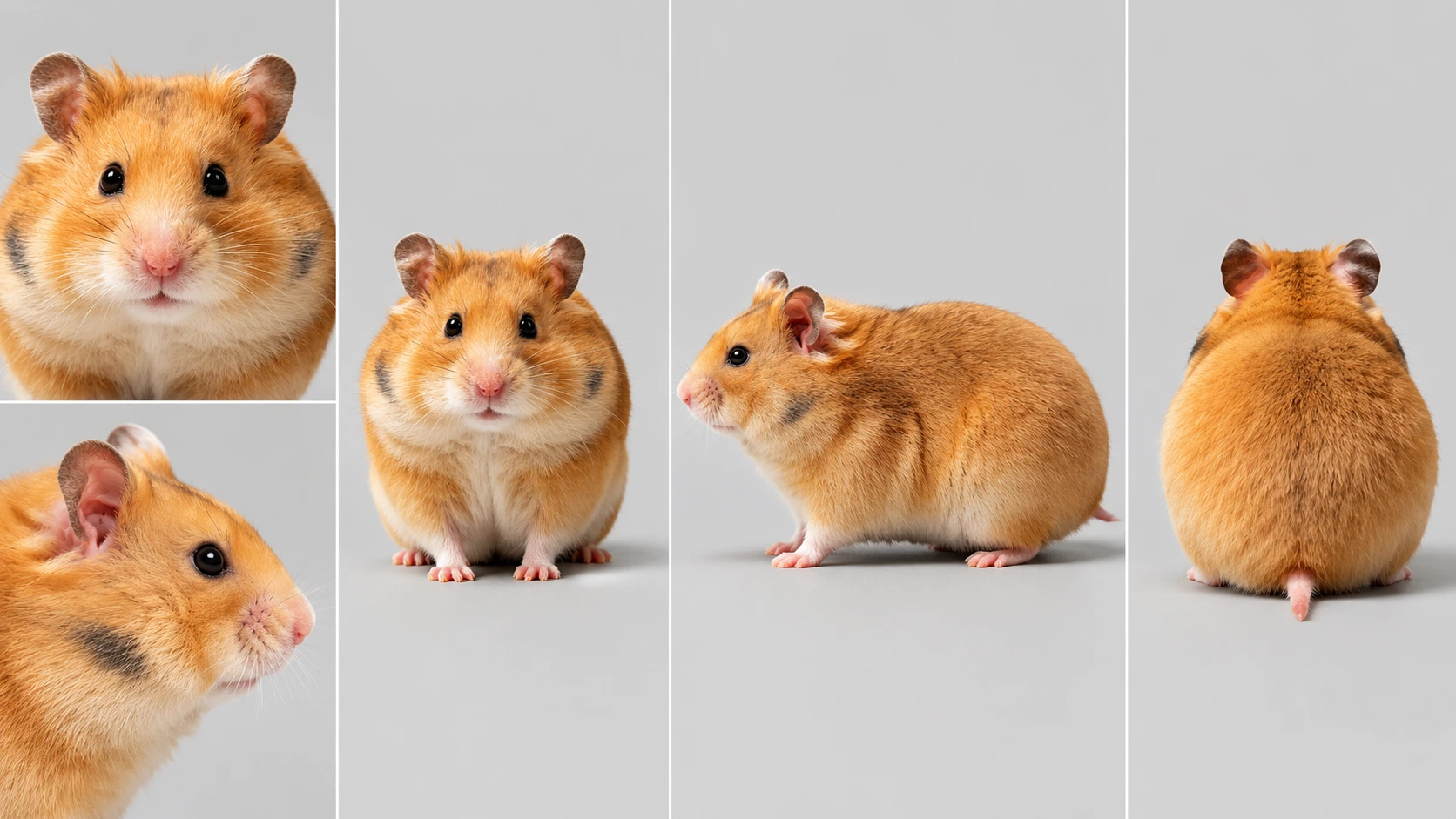
Your photo is the source it is drawn from — the same kind of sheet the five ready-made animals ship with, made for your pet instead.
- 3
Check the generated scenes
References guide later shots, but markings, proportions and movement can vary. Review the cut before sharing or making another episode.
There is one optional box: a line about what they are like — bossy, permanently startled, convinced the bathroom is theirs. It shapes how the episodes are written, not how your pet is drawn; the photograph decides that.
Upload your petNo pet of your own? Five are already cast
Preview the existing reference sheets below. Choose the animal and its name in the studio, then describe the first video.
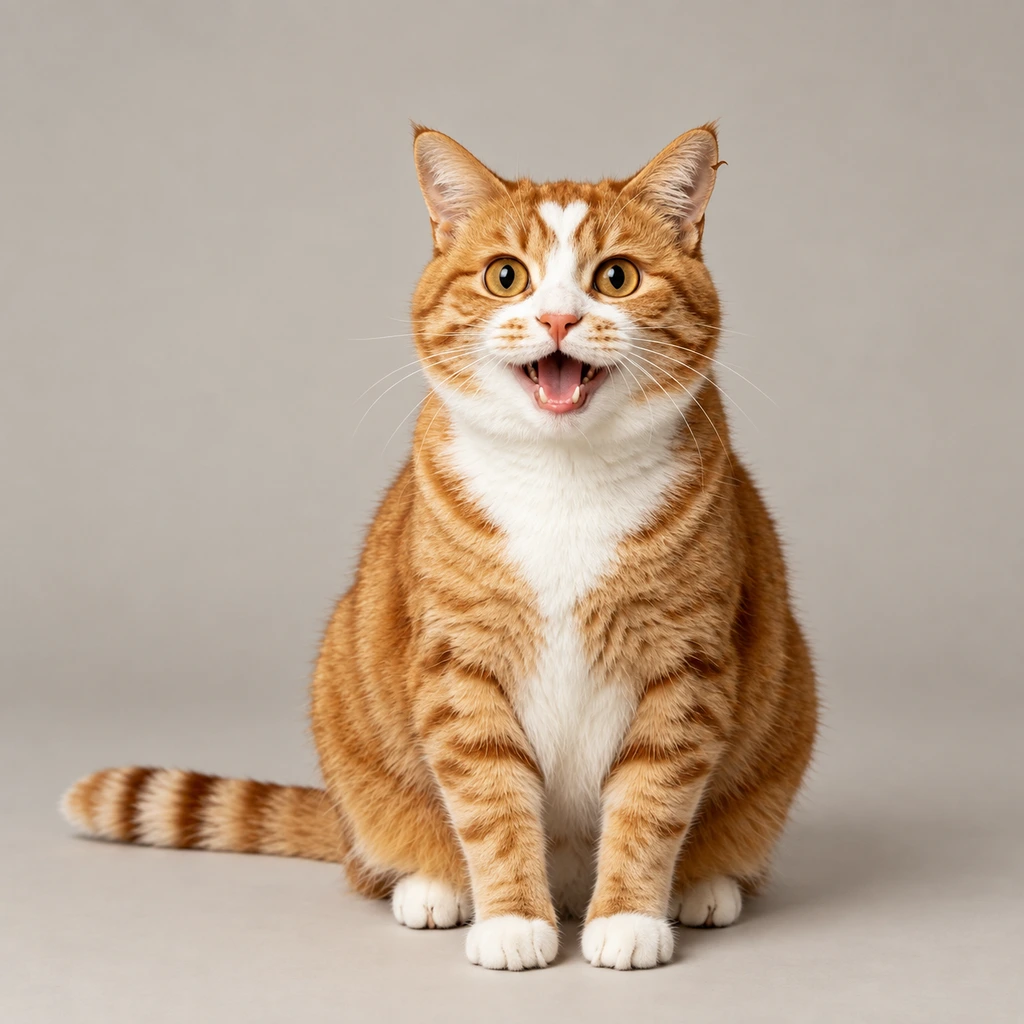
Orange tabby
A round ginger cat with one white stripe down his forehead
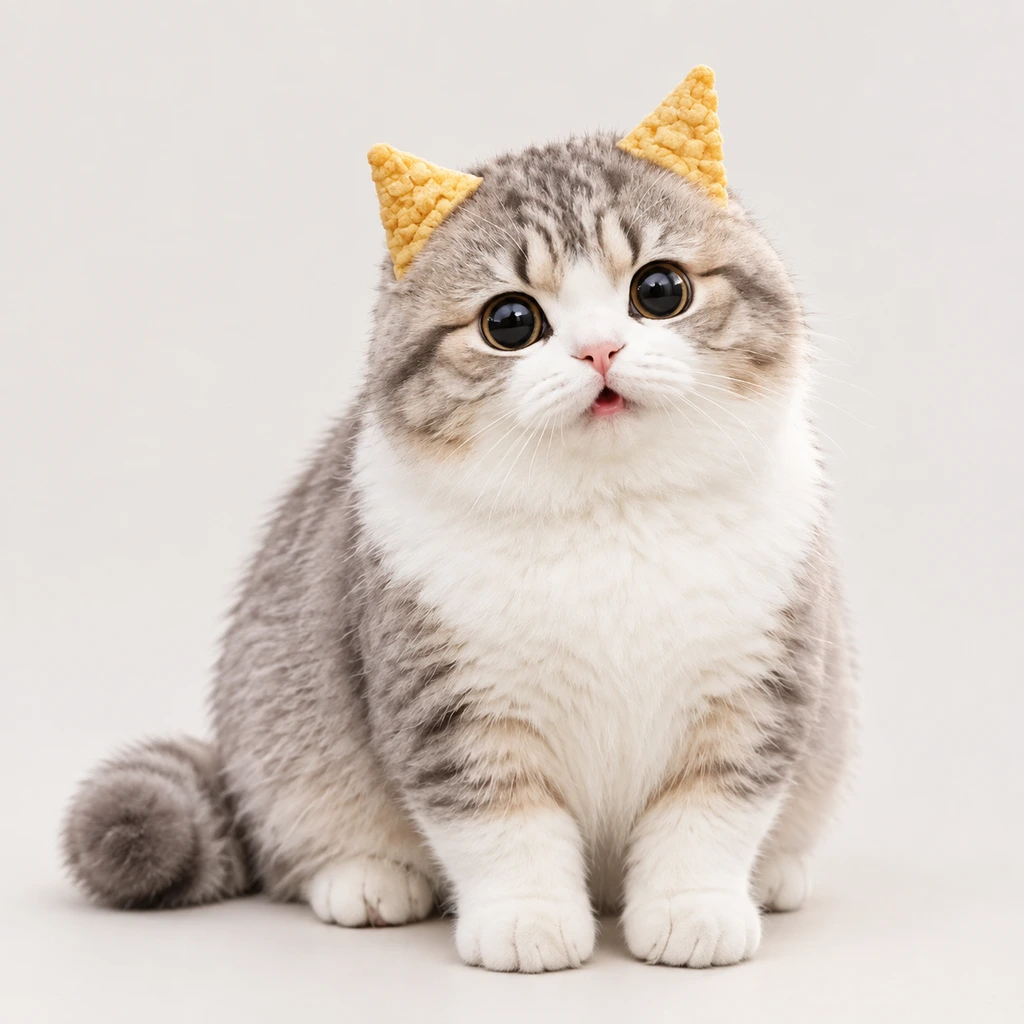
Bugle-ear kitten
A little cat whose ears curl over like pastry
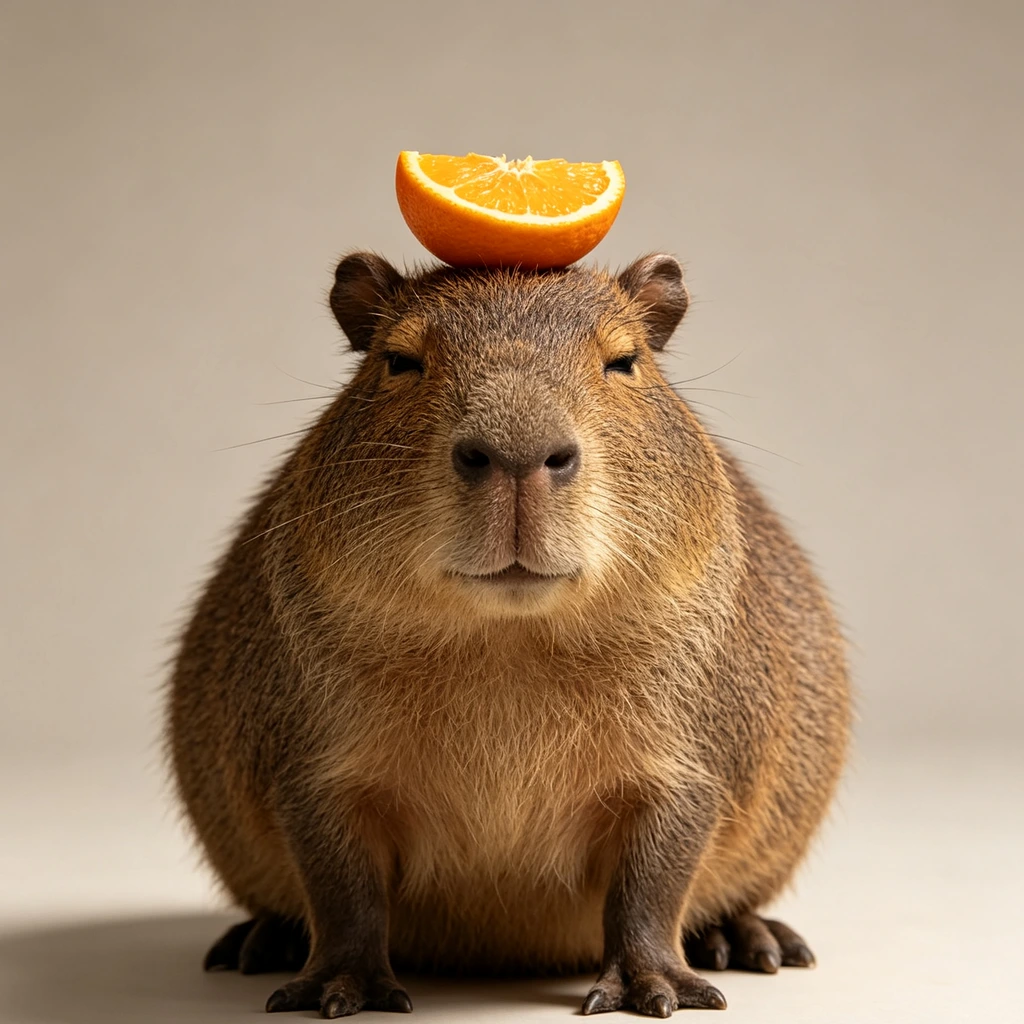
Capybara
A capybara who has never once been in a hurry
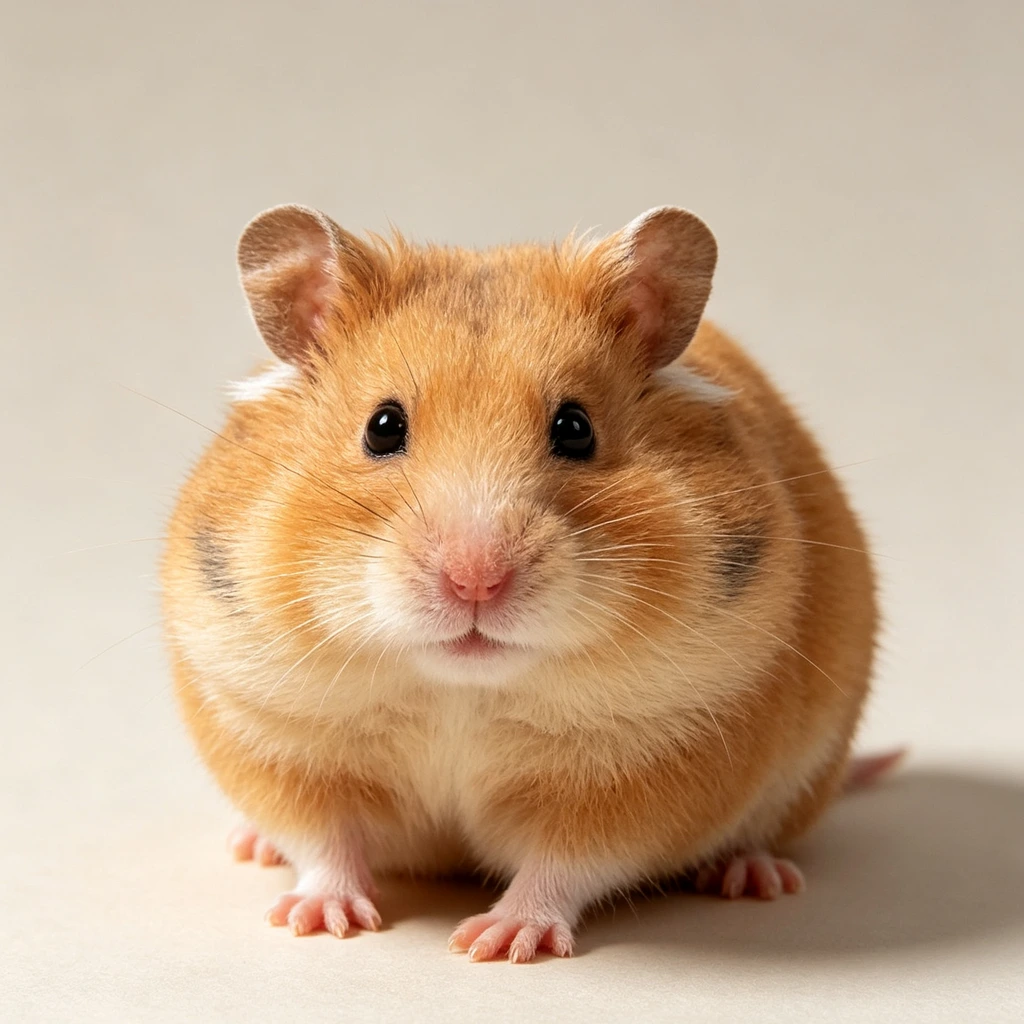
Hamster
A palm-sized golden hamster

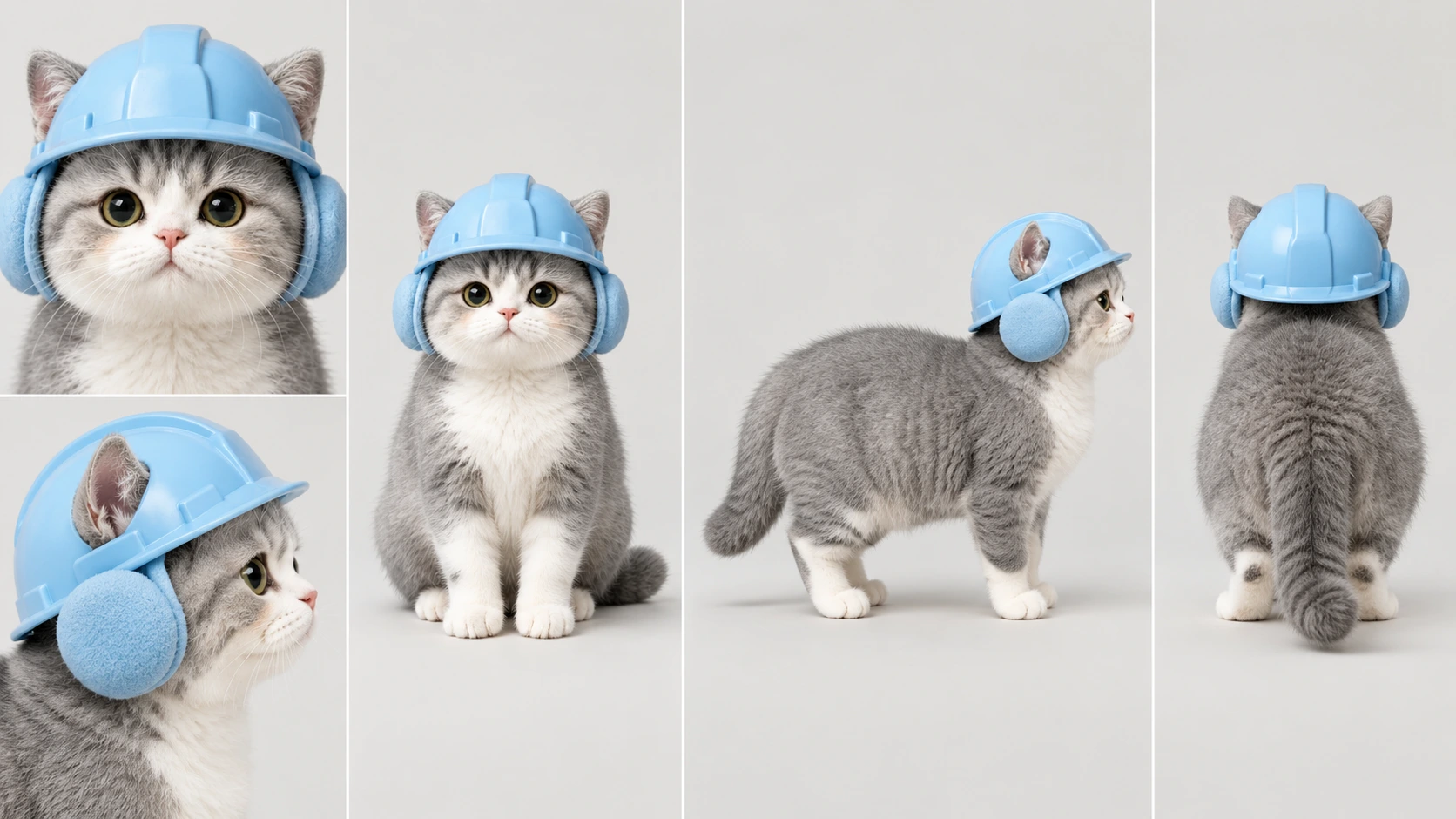
Hard-hat kitten
A working cat in a hard hat
Pet vlog questions
Can I use my own dog or cat?
Yes. Add a clear, well-lit photo with the whole face visible, then name the pet in the studio. The photo guides a character reference sheet for generated shots. Check markings, proportions and movement in the result; a reference does not guarantee an exact likeness.
Can it make my dog's mouth move, like the talking-pet apps?
This creates generated animal-led scenes from a story brief. It does not animate the supplied photograph's mouth to match an audio recording. Describe what the animal wants, what it tries and how the scene ends.
Is this how the monkey vlogs and bigfoot vlogs are made?
You can use an animal-led story for those kinds of videos. EaseReel creates a reference for the creature and uses it to guide later shots and episodes. Review markings, proportions, movement and sound in the generated result; references do not guarantee an exact match in every frame.
Which animals come ready to use, if I do not have a pet?
a round ginger cat with one white stripe down his forehead; a little cat whose ears curl over like pastry; a capybara who has never once been in a hurry; a palm-sized golden hamster; a working cat in a hard hat. Each ships with its own reference sheet already made and its own voice, so picking one costs nothing and waits for nothing.
How long is an episode, and what does it cost?
Choose any length from 60 to 150 seconds when you create the channel. A full-length one is about 151 credits, which is 7 a month on Standard's 1,200 — shorter ones go further, because video is billed by the second.
What makes an episode about something, rather than just cute footage?
Every one starts with the animal deciding it wants a specific thing — food that is out of reach, a warm spot someone else is in, the box that arrived, whatever got taken away. It says so in the first scene and there is a result by the last. Without that it is an animal existing on camera, which is what most AI animal video looks like.
One continuous take a scene, and one price
A scene is one continuous take — the camera does not cut while your animal is failing at something, because the failing is the joke. There is nothing to choose here: the errand decides how many scenes it needs, so a simple one is short rather than stretched, and the only thing that changes week to week is what it wants.
60–150s
up to 10 scenes, one take each
~151
credits an episode
7
episodes a month on Standard
These are estimates for the default settings, before extra assets or retries. Planning and screenplay generation are free in this format; storyboard runs and rendered assets use credits. Review the project estimate before starting.
Who else could front a channel
Compare all four vlog formats
Real length and real price for each one, side by side in a single table.
AI influencer generator
The same channel shape with a person fronting it instead of an animal.
POV video generator
Nobody on screen at all — the camera is your eyes and your hands do the work.
AI story & short film generator
Start from a premise or an outline when the video needs a scripted story and ending.