
No more hunting for images or handling every stage by hand. The production moves forward without hours at the computer just to keep the task on track.
End-to-end productionAI video generator for stories, ads and series.
Start with an idea. Review the finished video.
EaseReel develops the script, scenes and shots, then assembles a video for you to review.
0/2000
How it works · 4 steps
From a first idea to your next episode
Four steps take you through production. For a drama series, the story plan, cast and visual references carry forward into later episodes.
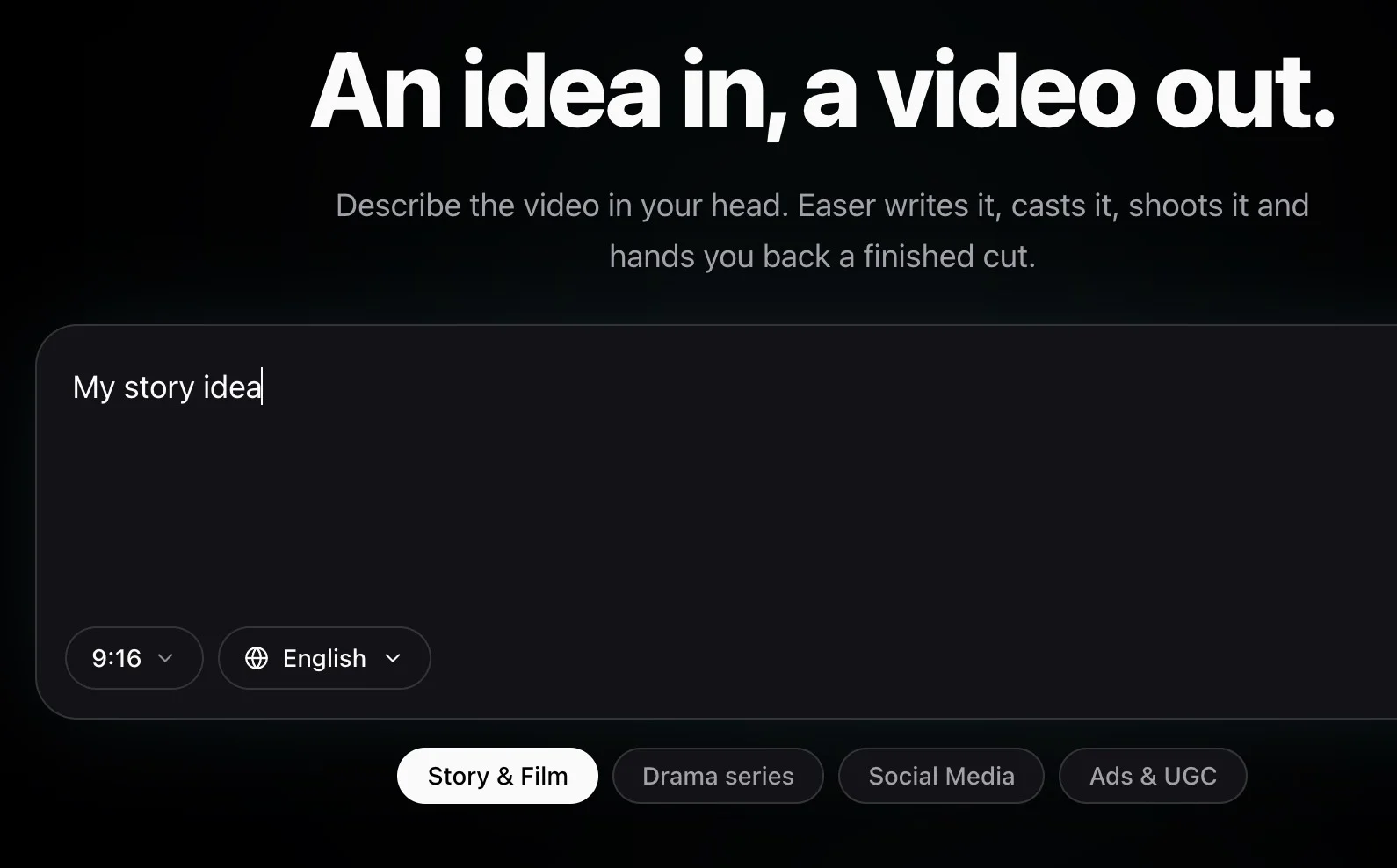
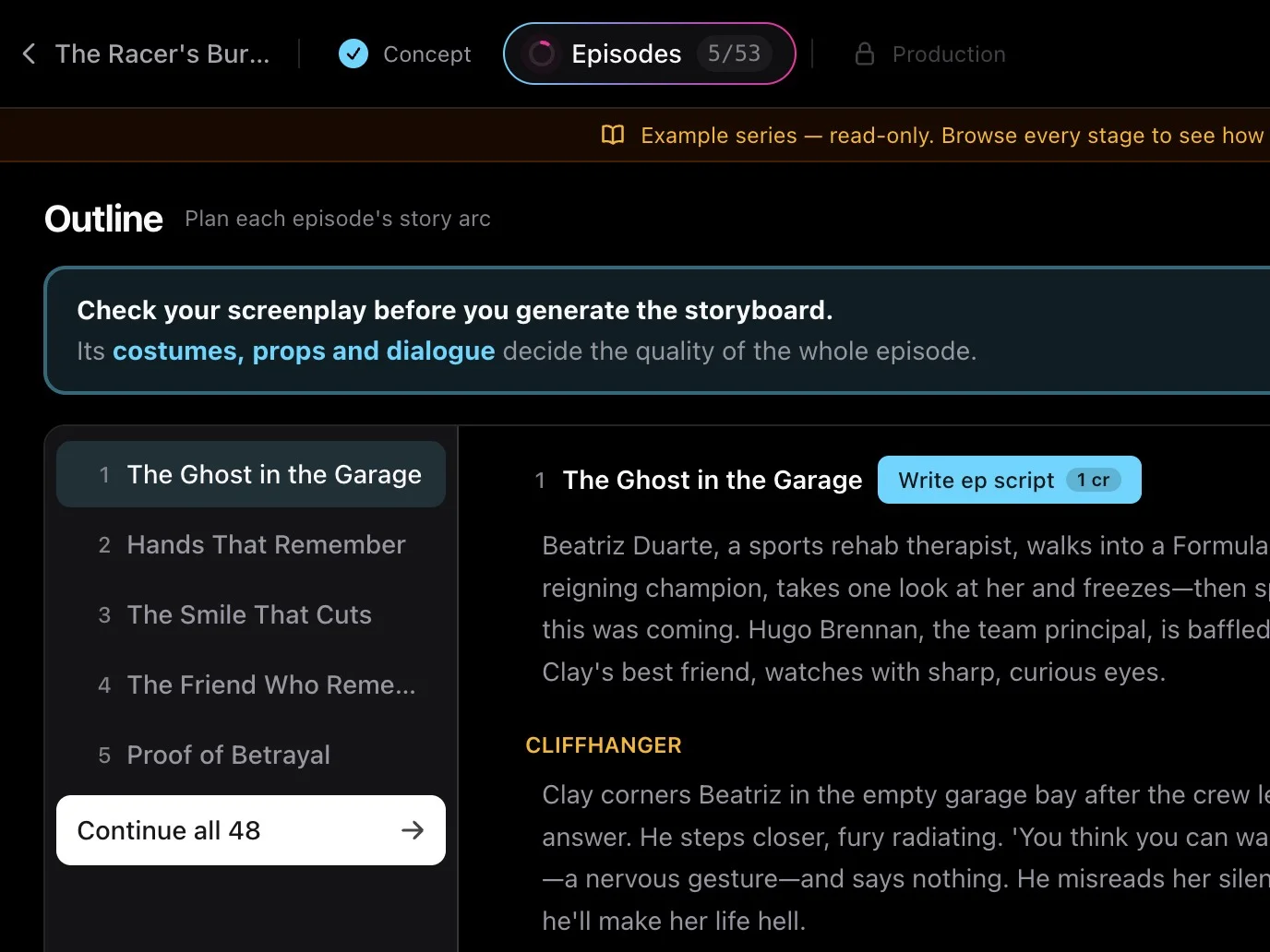
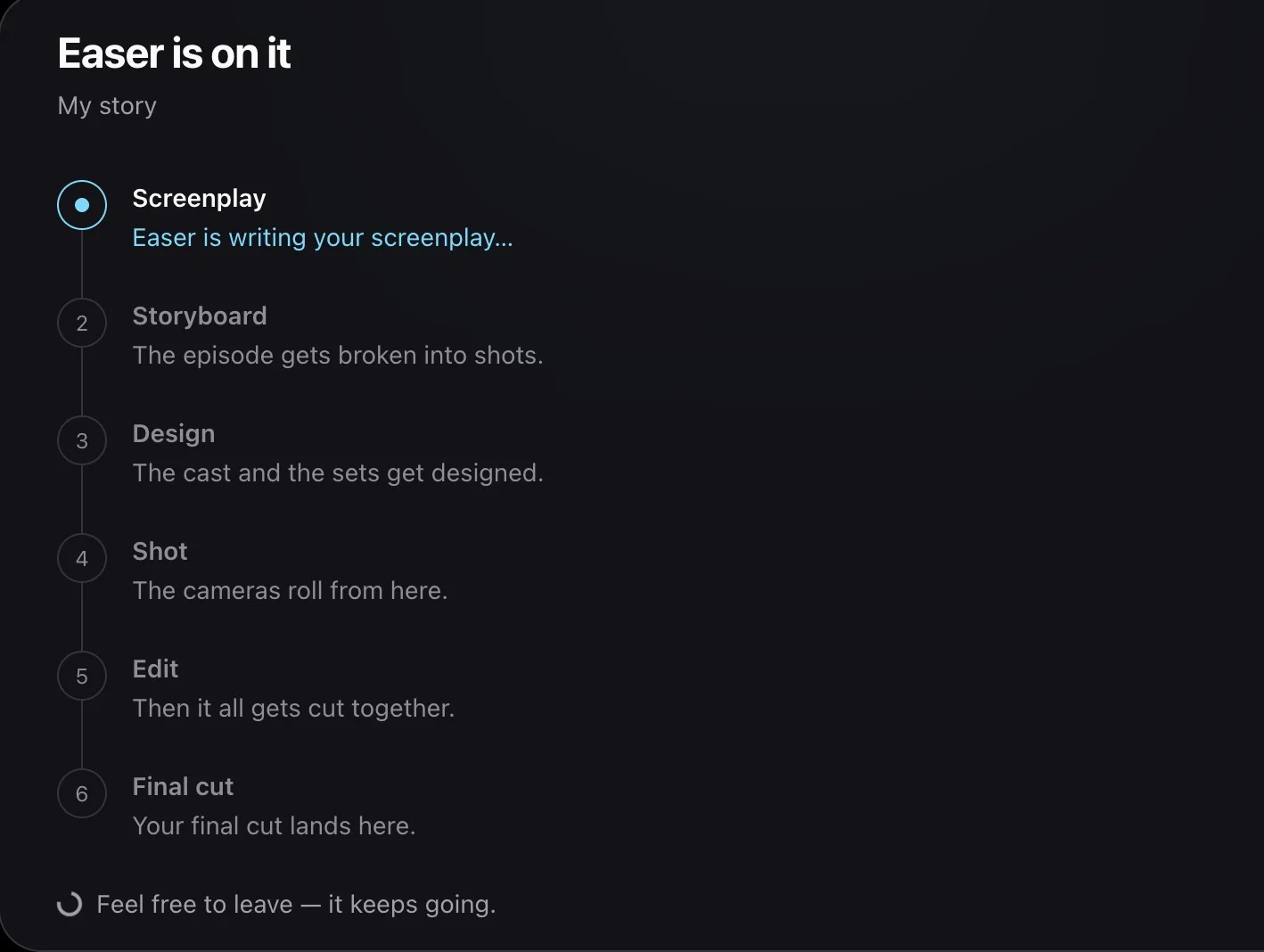
Made with EaseReel
Short stories. Ongoing series. Your next video.
Make a single film, build a recurring creator format or develop a drama that keeps your audience coming back.
The models behind your cast and every shot
Image models create your visual references. Video models bring the shots to life. Available models depend on the format and production stage.
The characters have distinct faces, and the casting feels different from one genre to another. They look natural rather than having that familiar AI-generated look.
Character designWan 3.0 delivers impressive texture and visual quality. Seedance 2.0 Mini is affordable, but its results still lack some of that polish.
Model qualityWhat creators say about EaseReel
Creator feedback on the workflow, the characters and the finished videos.
The scripts are engaging and fun to follow. The stories themselves are a big part of what makes the videos interesting.
Story writingThe ad ideas are imaginative and a lot of fun. The creative concepts make the product videos especially interesting to watch.
Ad conceptsNotes for your next production
Explore story ideas, episode workflows and practical guides to making more with your production credits.
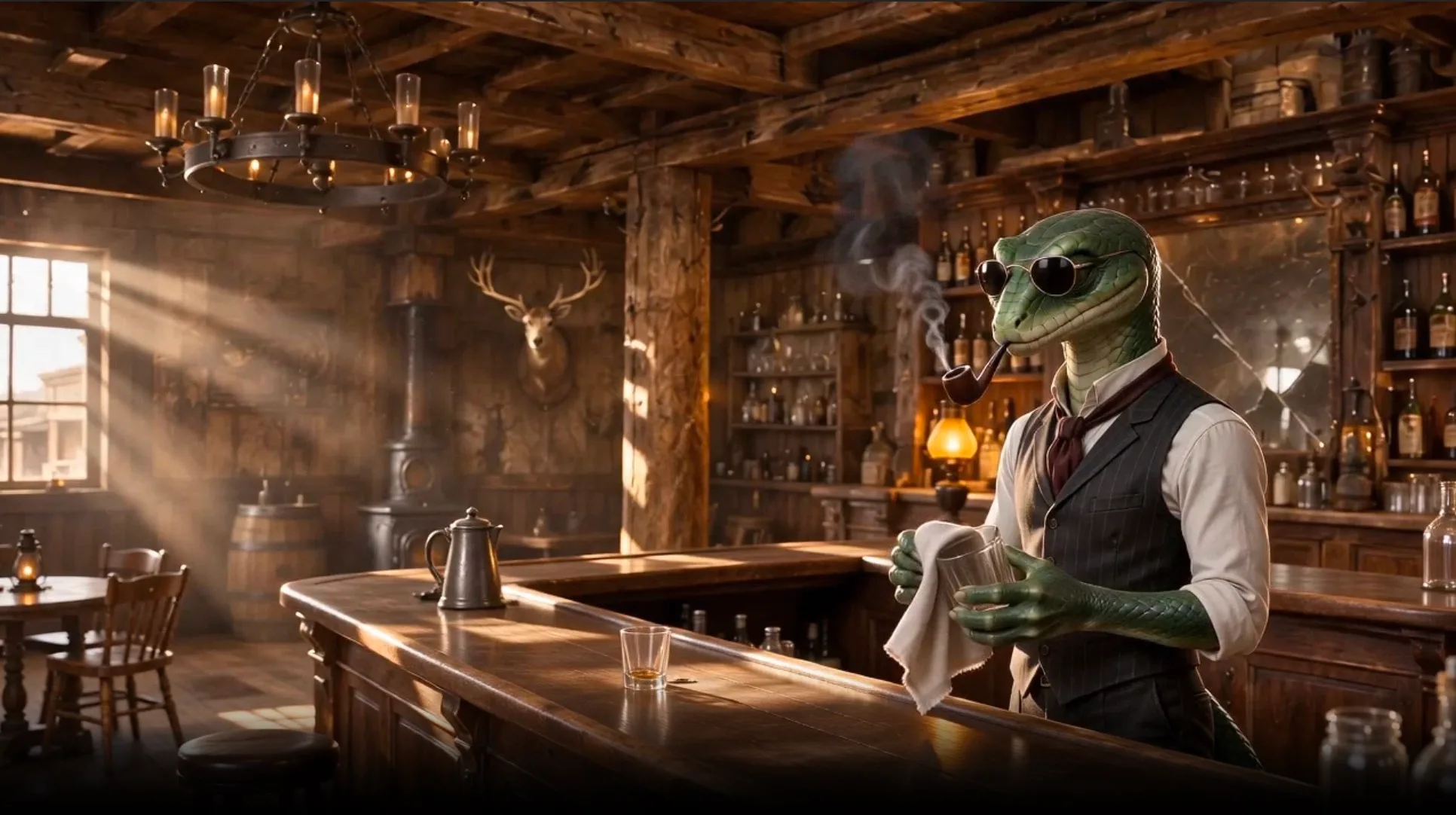
From a Story Brief to an 89-Second Short Film: A Reviewable AI Video Workflow
A documented EaseReel Story & Film production: how a short western outline became an 89-second cut through screenplay, references, storyboard review and a finished edit.
EaseReel TeamThe Best Way to Save Credits in Seedance 2.5? Stop Rendering Everything on It
The best way to save credits in Seedance 2.5 is to use it less. Which tier actually fits each job, plus the tier-switching workflow that cuts per-episode cost by half — with real math.
EaseReel TeamHow to Submit Your AI Short Drama to ReelShort and DramaBox
A practical guide to getting an AI-made vertical drama in front of ReelShort and DramaBox — submission routes, format specs, AI disclosure, and why series get rejected.
EaseReel TeamWe Analyzed 68 YouTube Shorts Niches — Here's Where New Creators Are Winning
Data-driven breakdown of the best YouTube Shorts niches in 2026. See where small creators go viral and which niches have low competition.
EaseReel TeamHow to Create World Cup Celebration Videos with AI (2026 Guide)
Create stunning World Cup 2026 celebration and recap videos using AI — no filming or editing needed. Perfect for TikTok, YouTube Shorts, and Instagram Reels.
EaseReel TeamBefore you start your story
What to expect from your first video, your recurring cast and the episodes that follow.
Create a story film, product ad, creator video or drama episode from an idea. EaseReel develops the script and visuals, then assembles a downloadable MP4 with audio and subtitles suited to the format. Choose vertical 9:16 or landscape 16:9. Drama production supports English, Japanese, Korean and Chinese.
Yes. Drama projects keep a season outline, episode scripts, cast, locations and props in one workspace. Develop a longer story arc and produce the episodes individually, carrying the same world into the next installment. You can start from a premise or bring your own screenplay. Standalone formats such as POV Shorts do not currently support continuing episodes.
EaseReel reuses character identity sheets, wardrobe and location references across drama shots and episodes. Each named drama character also has an assigned library voice. These shared references help the cast stay recognizable; generated details can still vary, so review the footage and regenerate shots that need another take.
In the drama workspace, you can edit episode scripts, review the storyboard, refine character and location designs, and regenerate individual shots before assembling the cut. One-off video formats follow a more automatic workflow. You review the finished video before publishing; EaseReel does not publish it without your approval.
New accounts receive 20 starter credits with no credit card required. You can buy credit packs without a subscription or choose a plan. Production costs depend on the format, model, video length and any shots you regenerate. Check the project estimate before generation; starter credits do not guarantee a complete finished video.
Yes. Download the finished MP4 and publish it on your own channels, or use supported connected-account publishing after review. Generated videos can be used for personal and commercial projects, including ads and monetized content, subject to our Terms of Service and the rights in any references or other materials you upload.
Every series starts with one idea.
Make your first video, then decide where the story goes next.
Bring your idea to life